FBR Digital Invoicing QR Code and Logo: What Must Be Printed on Every Invoice
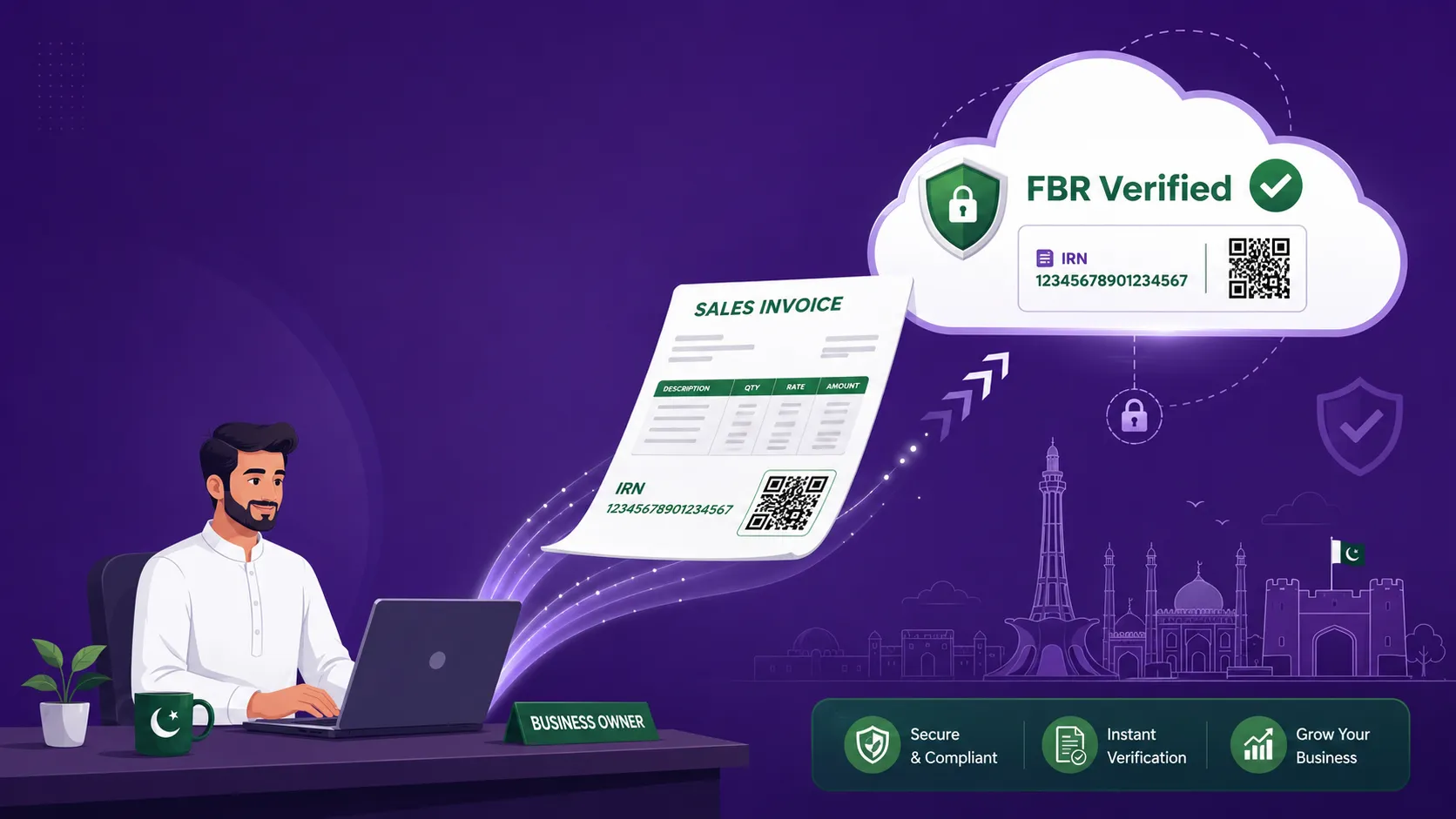
Submitting an invoice to FBR is only half the job. The invoice your customer holds also has to show that FBR has seen it. That is what the FBR invoice number, the QR code and the Digital Invoicing System logo are for. Miss them, print them at the wrong size, or use a home-made version of the logo, and an invoice that was correctly reported can still look non-compliant on paper.
This guide sets out exactly what FBR's Digital Invoicing API Technical Specification (version 1.12, published by PRAL) says about the QR code and logo, what it does not say, and how to check your printed invoices before an auditor or a buyer does.
What the FBR specification actually requires
Section 6 of the specification, "Digital Invoicing Logo & QR Code Printing", is short and direct. It says the Digital Invoicing System logo and QR code must be printed on each invoice issued by taxpayers, and it sets these specifications for the QR code:
| Requirement | What the specification says |
|---|---|
| Logo | The Digital Invoicing System logo must be printed on each invoice |
| QR code | A QR code must be printed on each invoice |
| QR code version | Version 2.0 (25×25 modules) |
| QR code dimensions | 1.0 × 1.0 inch |
| Logo artwork | Use the FBR Digital Invoicing System image as supplied to print on receipts |
That is the full list. The specification does not prescribe a particular position on the page, a colour, or a separate size for the logo. What it does make clear is that both must appear on every invoice, and that the QR code has a fixed version and physical size.
Why the QR code size and version matter
A QR code version describes its grid. Version 2.0 is a 25 by 25 grid of small squares, which is small and simple enough to scan easily from a printed receipt. The 1 inch by 1 inch size keeps it large enough for a phone camera to read on a thermal roll or an A4 page.
In practice the common problems are not about the standard, they are about printing:
- The template scales the QR code down to fit a narrow receipt, so it prints smaller than 1 inch.
- The printer is low on ink or the thermal head is worn, so the squares blur together.
- The QR code is stretched into a rectangle when the invoice is exported to PDF.
- A different, larger QR version is generated by a custom script, which no longer matches the specification.
Where the FBR invoice number comes from
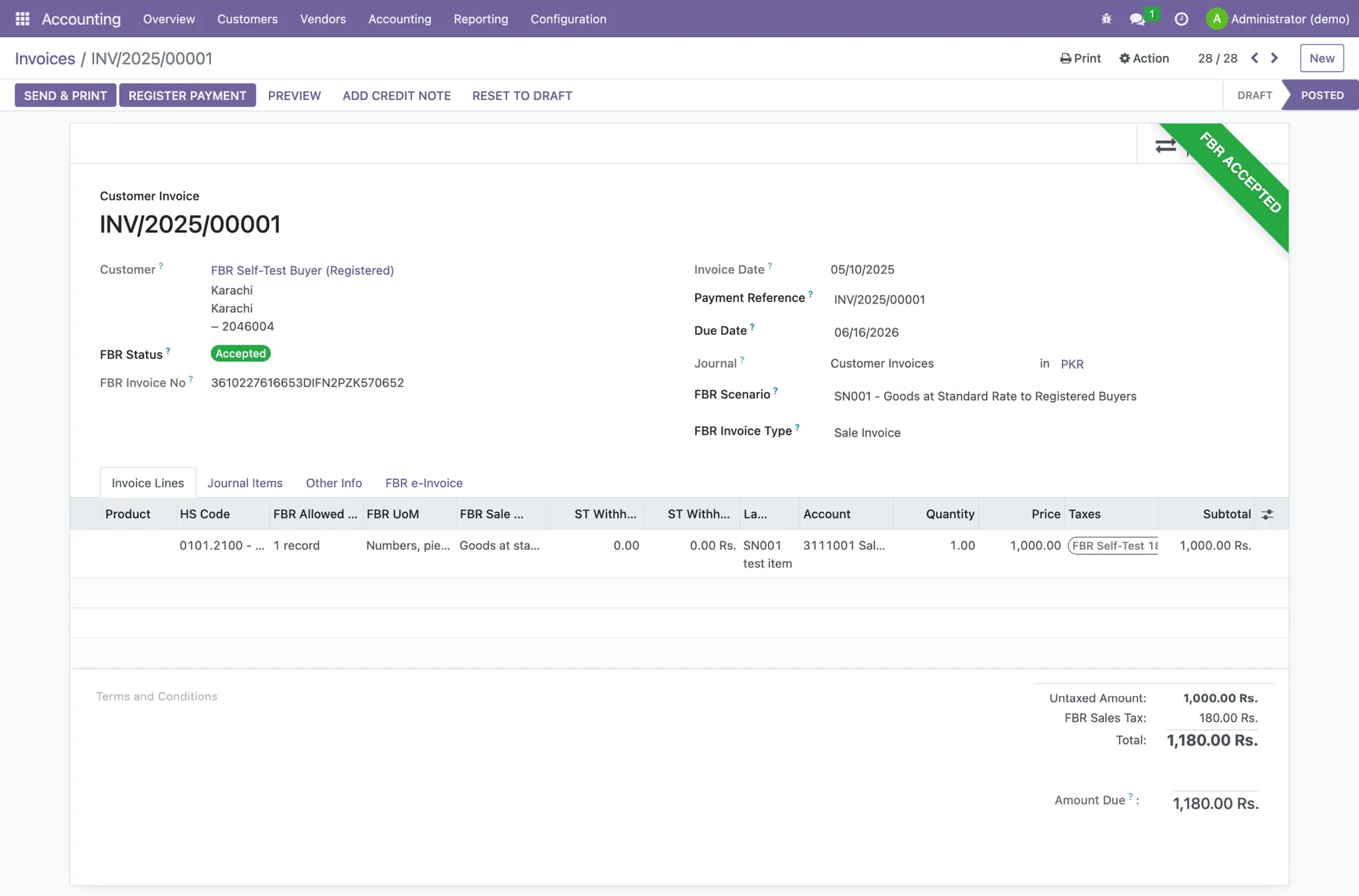
When FBR accepts an invoice, its response includes an invoice number issued by the FBR system, with status code "00" (Valid). In the specification's example it looks like 7000007DI1747119701593, and each line item also receives its own number with a suffix such as -1. The specification notes that the reference number is 22 digits where the seller uses an NTN and 28 digits where the seller uses a CNIC.
This FBR invoice number is what you later quote as the Invoice Reference No. on a debit or credit note. If an invoice is rejected (status code "01"), no FBR invoice number is issued, and you should not print a compliant-looking invoice until the error is fixed.
Never print before FBR responds
The QR code and logo belong on invoices that FBR has accepted. If a submission fails, fix the cause first. Our guide to FBR digital invoicing error codes explains the most common rejections.
Printing the Digital Invoicing System logo
The specification tells taxpayers to use the FBR Digital Invoicing System image to print on receipts. Treat that as a rule: use the official image as supplied, and do not redraw it, recolour it or replace it with a generic FBR emblem. Keep your own company logo as well. The two do different jobs. Yours identifies the seller; FBR's shows the invoice went through the Digital Invoicing System.
Printing the logo and QR code on every invoice is part of what makes an invoice valid under the digital invoicing regime. Invoices issued outside the system are treated as invalid, buyers cannot claim input tax against them, and penalties start at Rs 500,000 for the first default. The full legal background is in every SRO, deadline and penalty explained.
Retail POS receipts
Tier-1 retailers, such as units of national or international chains, retailers in air-conditioned malls or plazas, and retailers whose electricity bill exceeded Rs 1.2 million in the preceding 12 months, must connect every counter that receives payment to FBR. Their customers can verify a receipt with the Tax Asaan app or by sending the invoice number by SMS to 9966. A clear, correctly sized QR code and a legible invoice number make that verification work at the till.
A print checklist for your invoices
Before you go live, and again whenever you change printers or templates, print a test invoice and check:
- 1The FBR invoice number is printed in full and matches the number in your system.
- 2The QR code is present on every page type you use: A4 invoices, thermal receipts, PDFs you email, and debit and credit notes.
- 3The QR code measures 1 inch by 1 inch with a ruler, and is square, not stretched.
- 4The QR code scans cleanly with a phone camera from the printed copy.
- 5The FBR Digital Invoicing System logo is the official image, clear and not distorted.
- 6Your own business name, NTN/STRN and address are correct, matching IRIS.
- 7Nothing is printed for an invoice that FBR rejected.
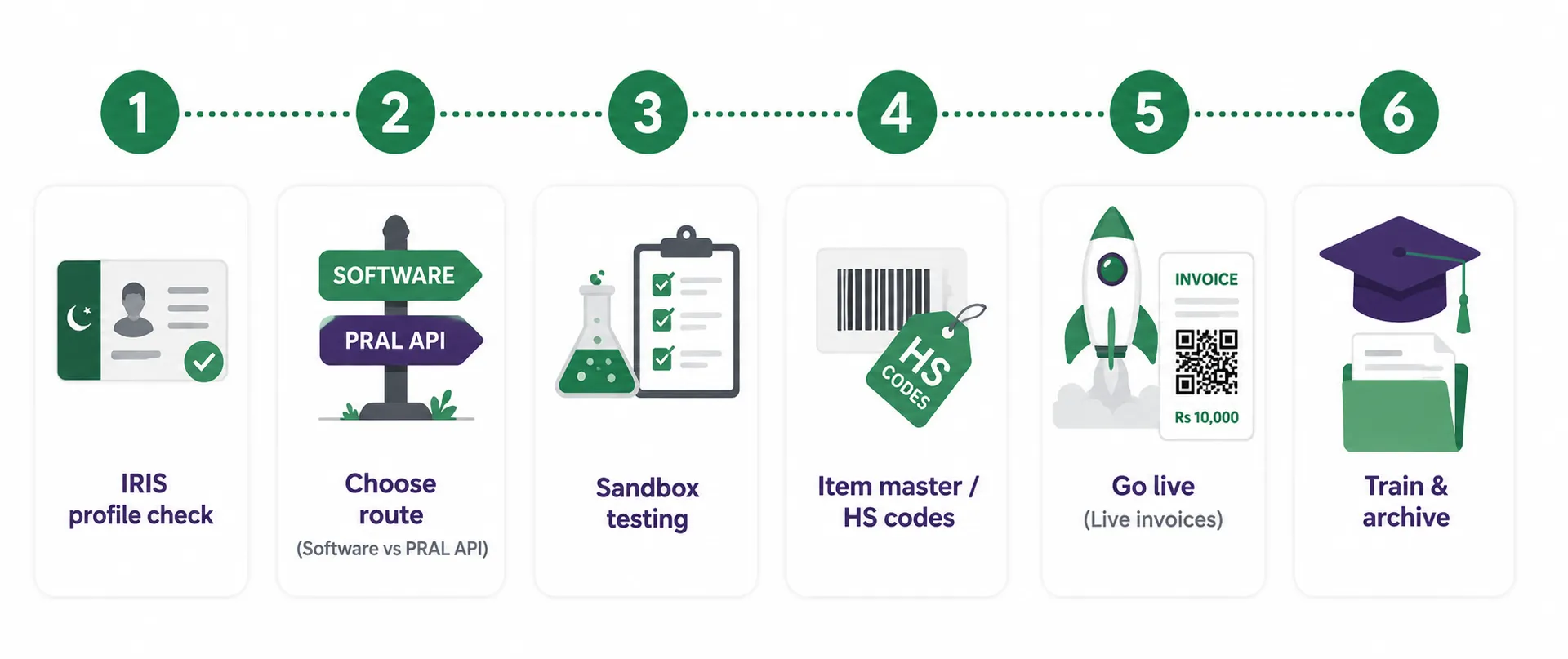
If you are integrating an ERP or a custom POS, this checklist belongs in your sandbox sign-off. See our guide to FBR digital invoicing integration for the general routes, and the complete FBR digital invoicing guide for how the whole round trip works.
How TaxHub handles the QR code and FBR invoice number
With TaxHub's FBR digital invoicing, each invoice is submitted to PRAL/IRIS in real time and the FBR invoice number and QR code are generated automatically, so nobody on your team has to copy numbers or create QR images by hand. You upload your own logo and pick an invoice template once, and every invoice after that follows the same layout.
TaxHub also covers all 28 scenarios with sandbox testing, links credit and debit notes to the original FBR invoice, and keeps your Annexure J and H registers, accounting and inventory in the same place. Compare it with any other FBR digital invoicing software on price: PKR 1,500 a month, or PKR 15,000 a year.
Make every invoice FBR-ready
Setup takes under 10 minutes. See pricing or book a free consultation and we will check a sample invoice with you.
FAQs
Is the QR code mandatory on FBR digital invoices?
Yes. FBR's Digital Invoicing technical specification says the Digital Invoicing System logo and QR code must be printed on each invoice issued by taxpayers.
What size should the FBR QR code be?
The specification sets the QR code at version 2.0 (a 25×25 grid) and 1.0 × 1.0 inch. Check the printed size with a ruler, especially on narrow thermal receipts where templates often shrink it.
Where can I get the FBR digital invoicing logo?
The technical specification published by PRAL includes the FBR Digital Invoicing System image and tells taxpayers to use it to print on receipts. Use that official image as supplied rather than recreating it.
Do I need to print my own company logo too?
FBR's requirement is the Digital Invoicing System logo and QR code. Your own logo is not a substitute for it, but you can and usually should print both, since your logo identifies you as the seller.
How can a customer verify an FBR invoice?
For Tier-1 retail POS receipts, customers can verify with the Tax Asaan app or by SMSing the invoice number to 9966. That is why the invoice number and QR code must print clearly.
Try TaxHub free: get FBR compliant in 10 minutes
Real-time FBR digital invoicing, complete accounting, and a dashboard that's entirely yours. No credit card required.
Book Free Consultation