FBR Digital Invoicing Integration: ERP, Excel, API and the Easiest Route for SMEs
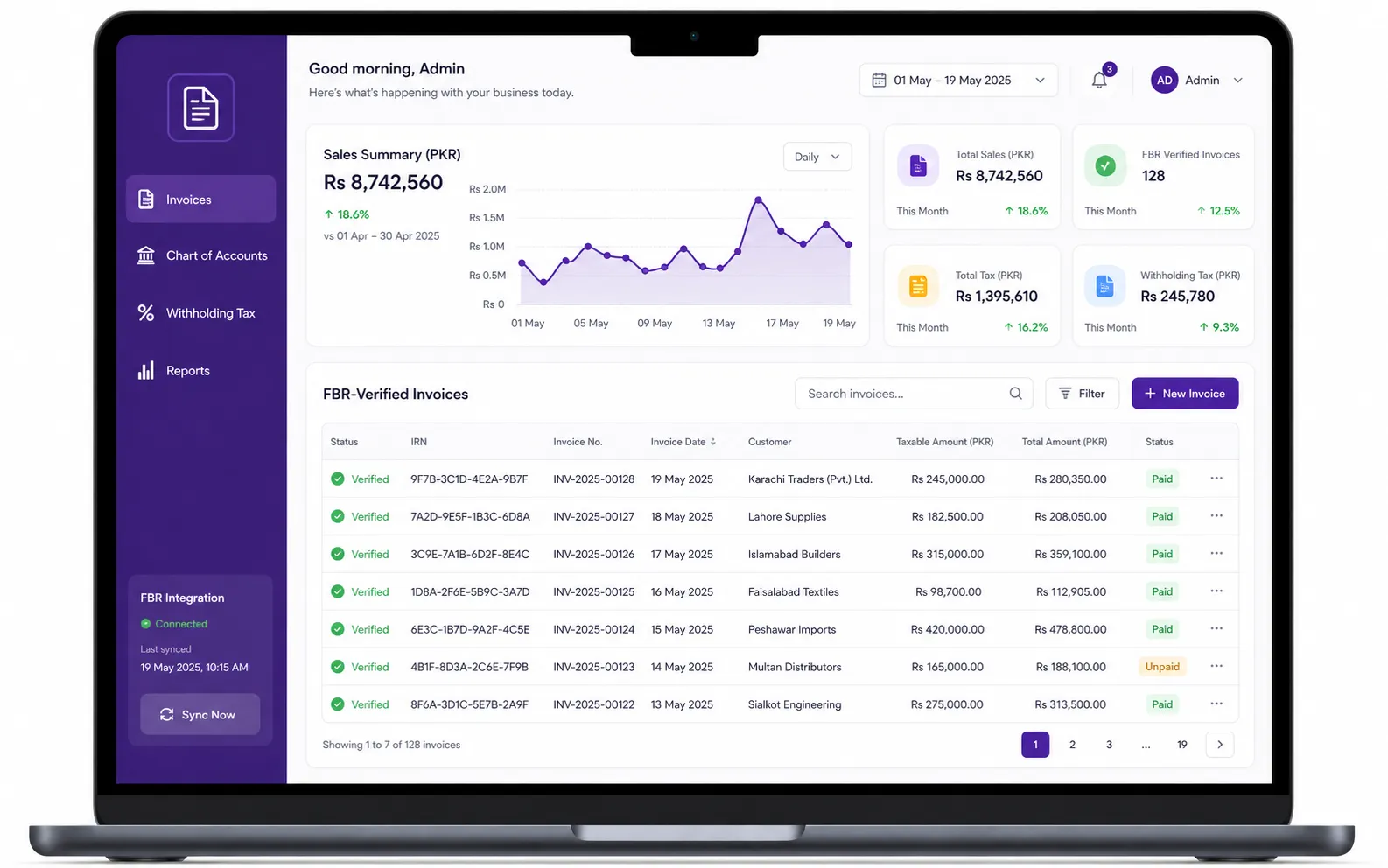
Every sales tax registered business in Pakistan now has to send its sales invoices to FBR in real time. The question is no longer whether to integrate but how. Some businesses already run an ERP, some keep their books in QuickBooks or Odoo, and many still invoice from Excel. This guide compares the routes for FBR digital invoicing integration, explains what the PRAL API involves in plain English, and gives you a practical plan for adopting the system without disrupting sales.
Disclaimer
This article is for information only and is not legal or tax advice. Always confirm the latest notifications on fbr.gov.pk or with your tax advisor.
What FBR digital invoicing integration means
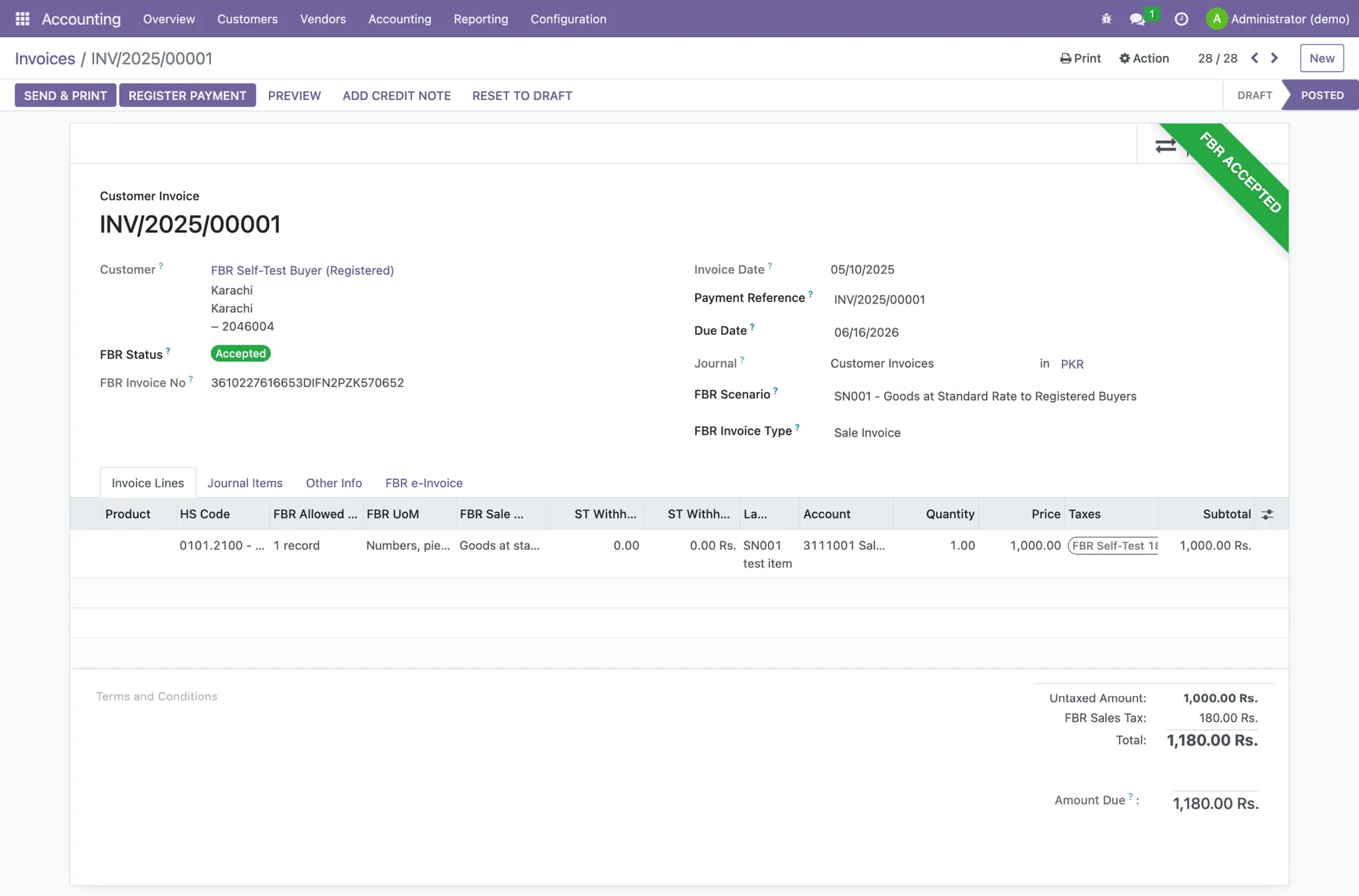
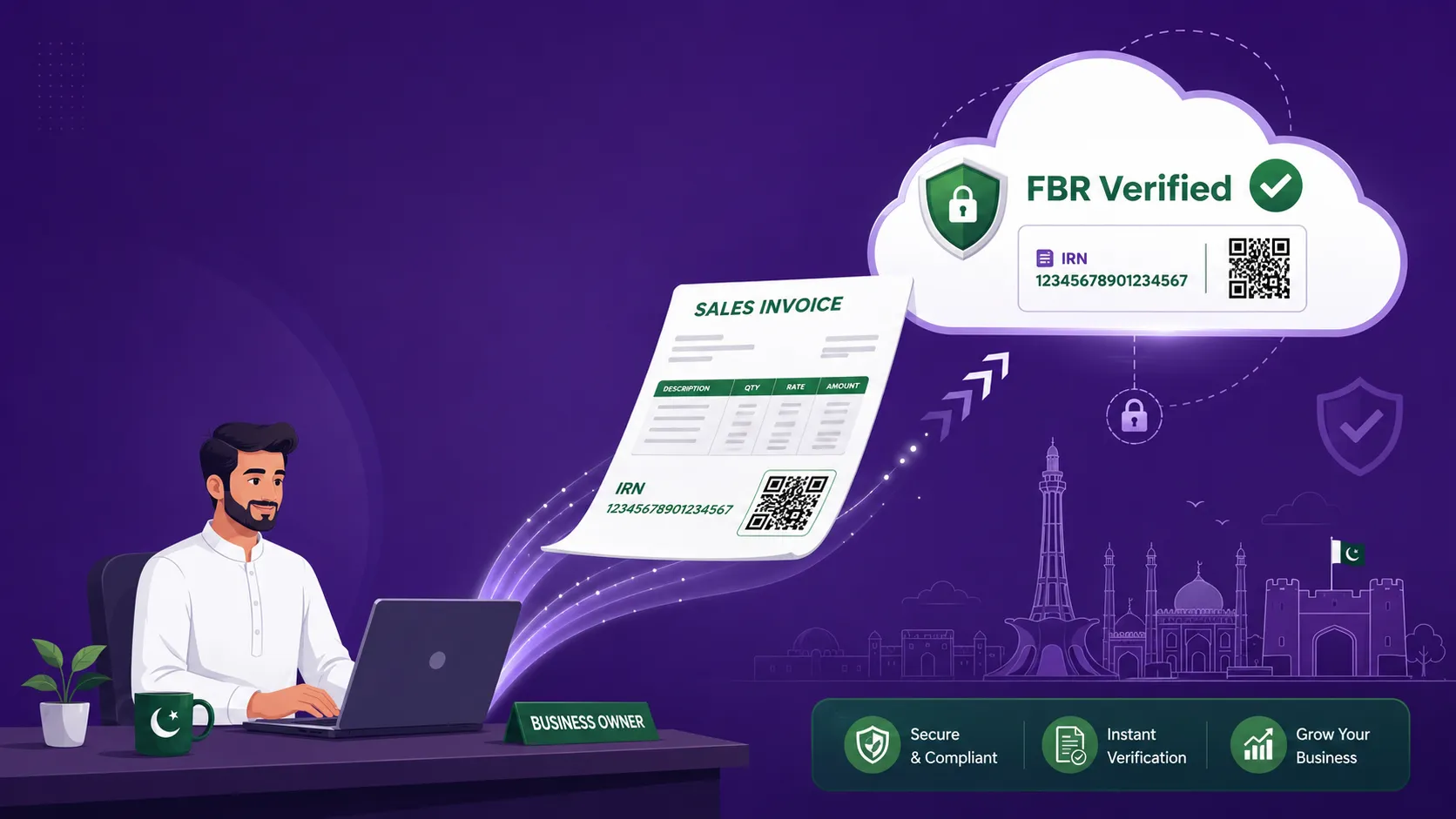
Integration means the software that creates your invoice talks directly to FBR. When you issue an invoice, the data goes to FBR through PRAL, FBR checks it, and sends back an FBR invoice number. Your software then prints that number with the Digital Invoicing System logo and QR code. An invoice that has not been through this round trip is not a valid tax invoice for a notified business, and your registered buyers cannot claim input tax on it.
FBR's own technical specification describes the process simply: each ERP or equivalent software registers in the FBR system from which it wants to upload invoice data, and the taxpayer integrates that system with the FBR Digital Invoicing System. The deadlines for doing this have already passed for every category, as set out in our guide to every SRO, deadline, and penalty.
Your three integration routes
Route 1: Use software that is already integrated
For most SMEs this is the fastest and cheapest route. You sign up, connect your FBR credentials, set up your items, and start issuing FBR-verified invoices. The software vendor, working as or through a licensed integrator, handles the API, the token, the reference data and the specification updates. Licensed integrators' configuration fees are capped by FBR. This is the route TaxHub's FBR digital invoicing is built for.
Route 2: PRAL as your integrator
Under Rule 150XF, PRAL acts as a licensed integrator free of cost. There is no fee payable to FBR for integration. The trade-off is that PRAL provides the connection, not your invoicing, accounting or inventory workflow. Your team still needs a system that produces correct invoice data and handles errors.
Route 3: Connect your own ERP to the DI API
Larger businesses with an in-house ERP and developers can connect directly to the Digital Invoicing (DI) API. This gives full control but also full responsibility: your team builds the connection, passes sandbox testing, maps every item to FBR's reference data, and keeps up with new versions of the specification. Under STGO 01 of 2026 you may use one or several licensed integrators, so a mixed setup (for example, ERP for head office and ready software for a branch) is allowed.
What the PRAL DI API involves
If you or your developer choose the API route, here is what the official specification (DI API v1.12) sets out:
- Real time over a Web API hosted on PRAL's Enterprise Service Platform (ESP).
- A security token issued by PRAL, passed in the Authorization header as "Bearer" followed by the token. It is valid for 5 years, and a new one is issued on request when it expires.
- Two main methods: post (postinvoicedata) to submit an invoice, and validate (validateinvoicedata) to check invoice data. Sandbox versions end in _sb.
- The same URLs are used for sandbox and production. Which environment you reach depends on the token.
- A JSON response with status code 00 (valid) or 01 (invalid), an FBR invoice number for valid invoices, and an error code with a message for invalid ones.
| Method | Production URL | Sandbox URL |
|---|---|---|
| Post invoice | https://gw.fbr.gov.pk/di_data/v1/di/postinvoicedata | https://gw.fbr.gov.pk/di_data/v1/di/postinvoicedata_sb |
| Validate invoice | https://gw.fbr.gov.pk/di_data/v1/di/validateinvoicedata | https://gw.fbr.gov.pk/di_data/v1/di/validateinvoicedata_sb |
Reference APIs your system must use
FBR does not accept free text for things like provinces, units or rates. The specification provides reference APIs under gw.fbr.gov.pk/pdi for provinces, document types, item codes, SRO item codes, transaction types, units of measurement (UOM), SRO schedules, sale type to rate, HS code with UOM, and SRO items. Two more methods help with buyers: STATL checks whether a registration number is an active taxpayer, and Get_Reg_Type returns whether it is registered or unregistered. A good integration pulls from these lists instead of letting staff type values by hand.
ERP, Odoo, QuickBooks and Excel: what changes
ERP systems
Your ERP can stay, but its invoice step must either call the DI API directly or hand the invoice to a licensed integrator. The hard part is rarely the code. It is the data: every item needs an HS code, a UOM that FBR accepts for that HS code, the correct sale type and rate, and an SRO reference where one applies.
Odoo and QuickBooks
Neither product connects to FBR on its own. You need a connection built by a licensed integrator or your own developer using the DI API, and you need to keep it maintained as FBR updates its rules. Many SMEs find it simpler to move invoicing and accounting into one Pakistan-built system rather than maintain a custom bridge.
Excel
Excel cannot integrate with FBR. Handwritten or Excel invoices no longer count, and every sale reported in Annexure-C of your sales tax return must have a digital invoice. Spreadsheets are still useful for reports and analysis after the fact, but not for issuing invoices.
Step-by-step: adopting the FBR digital invoicing system
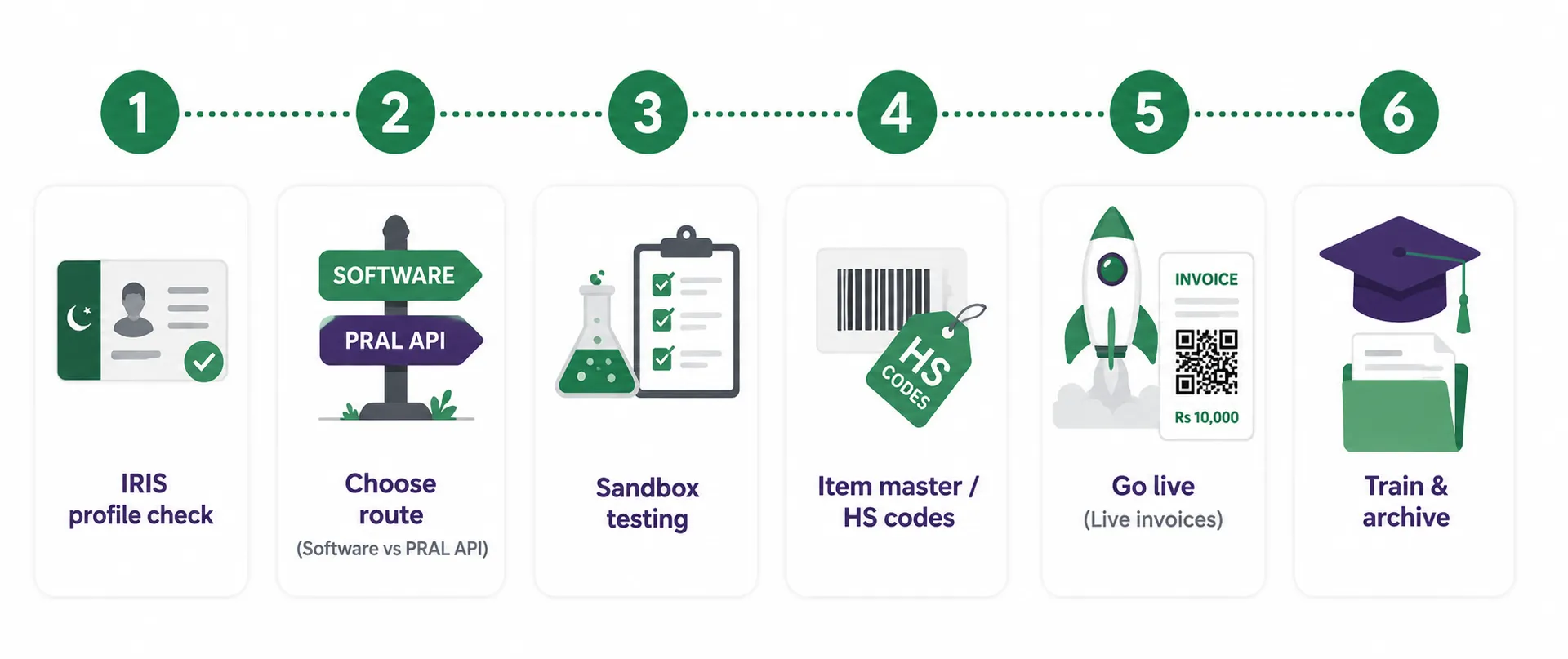
- 1Check your IRIS profile. Your NTN/STRN, business name and branch details must be correct, and your business activity and sector decide which scenarios apply to you.
- 2Pick your route: ready software, PRAL, or your own ERP connection.
- 3Clean your item master. Map every product or service to an HS code, an accepted UOM, a sale type and a rate. Most rejections start here.
- 4Run sandbox testing. In sandbox, each invoice carries a scenarioId (SN001 to SN028) and must pass for the scenarios that apply to your business before you go live.
- 5Go live and check a real invoice: the FBR invoice number, QR code and logo should print, and the invoice should appear in IRIS.
- 6Train staff on corrections. Under STGO 01 of 2026, changes after 72 hours need approval from the Commissioner Inland Revenue, so returns and adjustments should go through linked credit and debit notes.
For the full list of scenarios and how sandbox testing works, see our guide to FBR digital invoicing scenarios and sandbox testing.
Integration problems that come up again and again
- Error 0401 or 0402: the seller or buyer NTN/CNIC has no valid or authorized token, or the number is the wrong length.
- Error 0099: the UOM is not valid for the HS code. Check the HS_UOM reference API and fix the item.
- Error 0052: the HS code does not match the sale type.
- Error 0088: the invoice number must be alphanumeric with an internal hyphen, for example Inv-001.
- Error 0005: the date must be in YYYY-MM-DD format.
We cover these and more in our guide to FBR digital invoicing errors.
The easier route: TaxHub
TaxHub is an all-in-one alternative to building and maintaining a custom integration. Our FBR digital invoicing system submits every invoice to FBR in real time through PRAL/IRIS, with the IRN and QR code generated automatically. It supports all 28 scenarios with sandbox testing, an HS-code-aware item master, STRN/CNIC and ATL checks on buyers, and credit and debit notes linked to the original invoice.
Behind the invoice sits full double-entry accounting with a chart of accounts, plus inventory, sales and purchasing modules, Annexure J and H registers, and reports you can export to Excel or PDF. TaxHub does not offer ready-made Odoo or QuickBooks connectors. Instead it replaces the need for one, so your invoices and your books come from the same data. Setup takes under 10 minutes, and our Lahore-based team offers done-for-you registration and filing if you would rather not handle it yourself.
Skip the custom build
TaxHub costs PKR 1,500 a month, or PKR 15,000 a year. See pricing or book a free consultation.
FAQs
How do I integrate my software with FBR digital invoicing?
Use software that is already integrated, use PRAL as a free licensed integrator, or connect your own ERP to the PRAL DI API. In every case you need a PRAL security token, clean item data and successful sandbox testing before going live.
Can I integrate Excel with FBR digital invoicing?
No. Excel and handwritten invoices no longer count for notified businesses. Every sale in Annexure-C must have a digital invoice issued through the FBR system.
Does QuickBooks or Odoo integrate with FBR?
Not on their own. You need a connection built through a licensed integrator or by a developer using the DI API, and someone has to maintain it as FBR updates its specification.
How long is the FBR digital invoicing API token valid?
The security token issued by PRAL is valid for 5 years. A new token is issued when you request one on expiry. The token also decides whether your calls go to sandbox or production.
Is there a fee for FBR digital invoicing integration?
No fee is payable to FBR. PRAL acts as a licensed integrator free of cost under Rule 150XF, and configuration fees charged by other licensed integrators are capped by FBR.
Try TaxHub free: get FBR compliant in 10 minutes
Real-time FBR digital invoicing, complete accounting, and a dashboard that's entirely yours. No credit card required.
Book Free Consultation