FBR Digital Invoicing Errors: What Each Error Code Means and How to Fix It
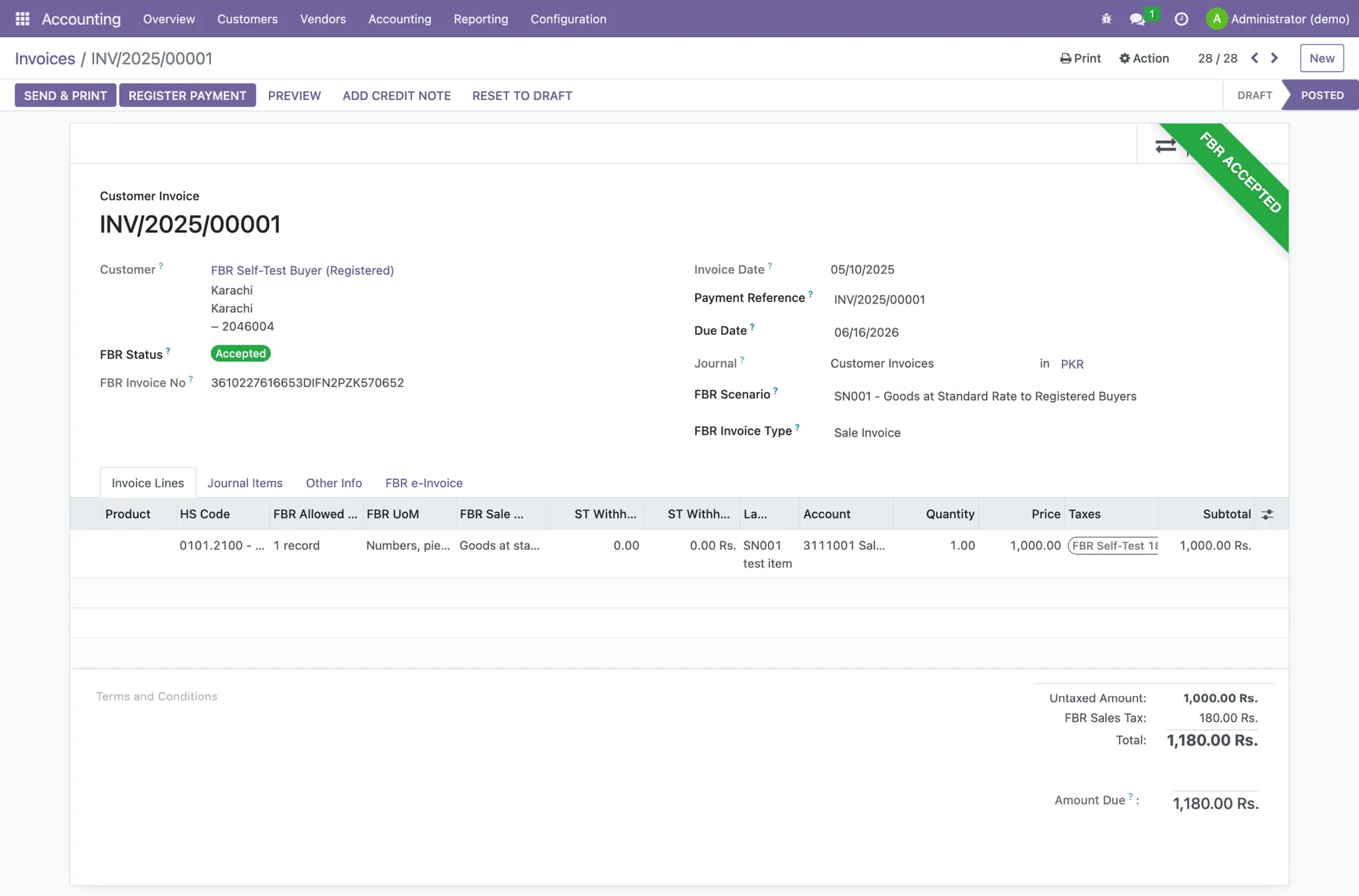
You click submit, and instead of an FBR invoice number you get a four-digit code and a short message. Most FBR digital invoicing errors come from a small set of causes: a wrong HS code, a unit of measure that does not match it, a missing province, a badly formatted NTN, or a token problem.
This guide explains the sales error codes in FBR and PRAL's Digital Invoicing API Technical Specification (version 1.12), what each one means, and how to fix it for good.
How FBR tells you an invoice was rejected
Every invoice your software sends goes to FBR through PRAL's Web API in real time. FBR checks it and sends back a response. A valid invoice comes back with status code "00", status "Valid" and an FBR invoice number. A rejected invoice comes back with status code "01", status "Invalid", an error code and an error message.
Errors can appear at two levels. A header-level error (for example a wrong buyer NTN or an HS code problem) rejects the whole invoice. An item-level error is reported against a specific line, identified by its item serial number, so you know exactly which product row needs attention. Separately, an HTTP 401 response means "Unauthorized", which almost always points to the security token rather than the invoice data.
Use the validate endpoint first
The DI API has two methods: postinvoicedata, which submits the invoice, and validateinvoicedata, which checks it without posting. Validating first surfaces errors before they reach your customer.
FBR digital invoicing error codes: meaning and fix
The table covers the most common sales error codes, with meanings from section 7 of the official specification.
| Code | What it means | How to fix |
|---|---|---|
| 0001 | Seller is not registered for sales tax. | Check that the seller NTN/registration number on the invoice is your own active sales tax registration, exactly as it appears on IRIS. |
| 0002 | Buyer registration number or NTN is not in the proper format. | Enter the buyer registration number as 13 digits, or the NTN as 7 or 9 digits. Remove spaces and dashes. |
| 0005 | Invoice date is not in the proper format. | Send the date as YYYY-MM-DD, for example 2025-05-25. |
| 0013 | Sale type is empty. | Select a valid sale type for every line, such as "Goods at standard rate (default)". |
| 0019 / 0044 | HS code is empty. | Add the correct HS code to the item. Fix it in your item master so every future invoice carries it. |
| 0026 | Invoice Reference No. is required for a debit/credit note. | Enter the FBR invoice number of the original invoice the note relates to. |
| 0034 | Debit/credit note is outside the allowed window. | A debit or credit note can only be added within 180 days of the original invoice date. |
| 0046 | Rate is empty or not valid for the selected sale type. | Use a rate that FBR allows for that sale type. The SaleTypeToRate reference API lists the valid rates. |
| 0052 | HS code does not match the sale type. | Either the HS code or the sale type is wrong. Check the item's correct tax treatment and correct the one that is off. |
| 0053 | Buyer registration type is invalid. | Set the buyer as "Registered" or "Unregistered" to match the buyer's actual status. |
| 0058 | Self-invoicing is not allowed. | The buyer and seller registration numbers are the same. Enter the real buyer's details. |
| 0073 / 0074 | Sale origination province of supplier, or destination of supply, is missing. | Fill in both the seller province and the buyer province, using the values from the provinces reference API. |
| 0077 | SRO/Schedule number is missing. | If the supply falls under an SRO or schedule, enter the SRO/Schedule number (and the SRO item serial number where required). |
| 0088 | Invoice number format is not valid. | Use letters and numbers, with a hyphen only in between, for example Inv-001. |
| 0099 | UOM is not valid for the HS code. | Use a unit of measure that FBR allows for that HS code. Check it with the HS_UOM reference API. |
| 0102 | Sales tax does not match the 3rd schedule calculation. | Fill in the fixed/notified value or retail price for the item and let the system calculate tax using the 3rd schedule formula, rather than typing it by hand. |
| 0104 | Calculated percentage sales tax does not match. | Recalculate sales tax as value excluding tax multiplied by the rate, and check rounding. |
| 0300 | A decimal value in a field is not valid. | Check numeric fields such as quantity, discount, total value, further tax and FED payable for bad formats or text. |
| 0401 / 0402 | Seller (0401) or buyer (0402) NTN/CNIC has no valid or authorized token, or is the wrong length. | Use a 13-digit CNIC or 7-digit NTN, and make sure the seller NTN matches the one your PRAL token was issued against. |
The big three: error 0099, 0052 and 0401
Error 0099: UOM not valid for the HS code
This is the error people search for most. Every HS code has a set of units of measure FBR accepts. If you sell fabric by the metre but the HS code only allows square metres, or you invoice in "pieces" where FBR expects KG, the invoice is rejected with 0099. The fix is to look up the allowed UOM for that HS code through the HS_UOM reference API and store it in your item master. Related codes are 0096 (only KWH is allowed for the HS code) and 0097 (UOM must be KG). Our HS code and UOM guide walks through this step by step.
Error 0052: HS code does not match the sale type
FBR links HS codes to sale types. If you mark an item as "Goods at standard rate" but its HS code belongs to a 3rd schedule, exempt or reduced-rate category, the invoice fails. This usually happens when two products share a description but have different tax treatment. FBR's own guidance is that items sharing an HS code but taxed differently must be invoiced as separate line items, not clubbed together.
Error 0401: seller token or NTN problem
Error 0401 says the seller NTN/CNIC does not have a valid or authorized access token, or the number is not 13 digits (CNIC) or 7 digits (NTN). The security token is issued by PRAL, sent as "Bearer" in the Authorization header, and is valid for five years. The same token also decides whether a call goes to sandbox or production. Common causes are a typo in the seller NTN, using a sandbox token in production, or an expired token. Error 0402 is the same check for the buyer.
Why fixing the source matters more than fixing the invoice
A rejected invoice has not been issued, so you can correct it and resubmit. But once an invoice is accepted with wrong data, you are on the clock. Under STGO 01 of 2026, corrections are only allowed within 72 hours. After that, any change needs approval from the Commissioner Inland Revenue.
That is why the best fix for almost every error in the table is upstream: a clean item master with the correct HS code, UOM, sale type and rate for each product, and buyer records with verified NTNs and registration types. For the full picture of the rules and the penalty ladder (Rs 500,000 for the first default, rising to Rs 3 million), read every SRO, deadline and penalty explained.
A quick checklist before you hit submit
- 1Seller NTN/CNIC is correct and matches your PRAL token (prevents 0001, 0401).
- 2Buyer NTN is 7 or 9 digits, or registration number is 13 digits, and the registration type is right (prevents 0002, 0053, 0402).
- 3Invoice date is in YYYY-MM-DD format (prevents 0005).
- 4Seller province and buyer province are both filled (prevents 0073, 0074).
- 5Every line has an HS code, a sale type, a valid rate and an allowed UOM (prevents 0013, 0019, 0046, 0052, 0099).
- 6SRO-based supplies carry the SRO/Schedule number (prevents 0077).
- 7Debit and credit notes reference the original FBR invoice and fall within 180 days (prevents 0026, 0034).
- 8Tax totals are calculated by the system, not typed by hand (prevents 0102, 0104, 0300).
If you are still in testing, run each of your applicable scenarios in the sandbox first. Our guide to FBR digital invoicing scenarios and sandbox testing explains which of SN001 to SN028 apply to your business.
How TaxHub helps you avoid rejected invoices
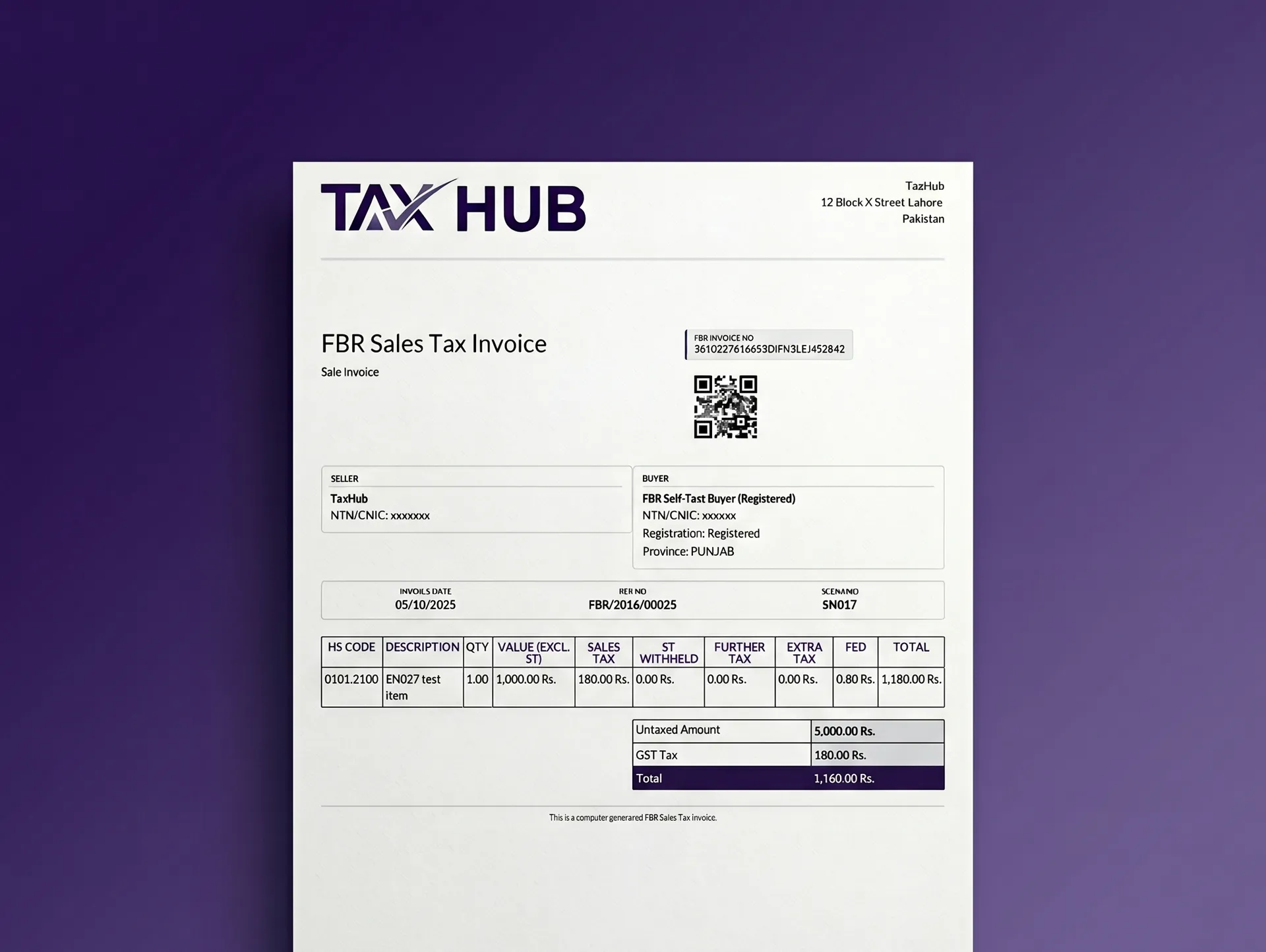
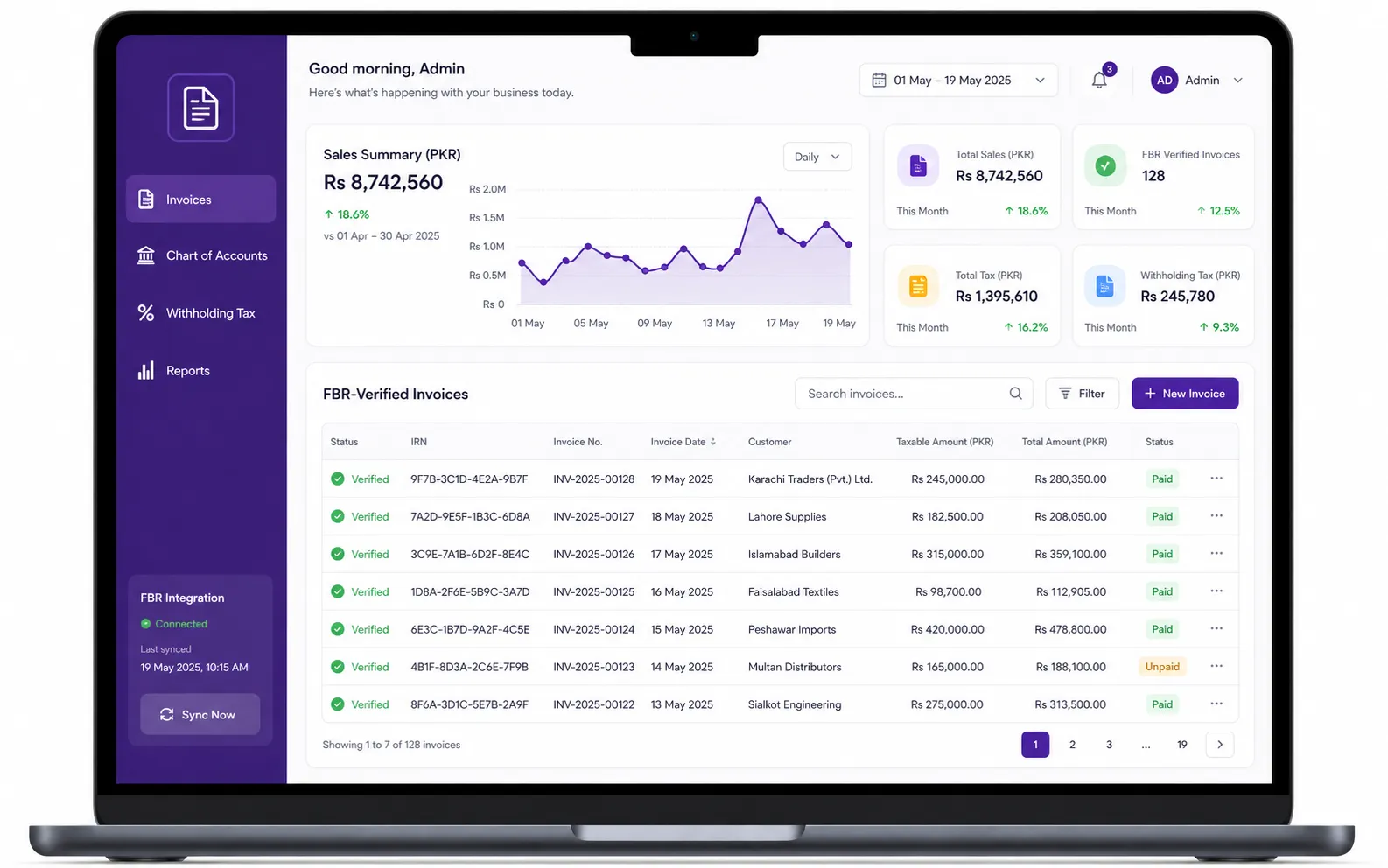
Most of these errors are data errors, and data errors are best solved by software that stores the right data once. TaxHub's FBR digital invoicing submits every invoice to PRAL/IRIS in real time and generates the FBR invoice number and QR code automatically. It uses an HS-code-aware item master, STRN/CNIC and ATL checks for buyers, and credit and debit notes linked to the original invoice. It covers all 28 scenarios, with sandbox testing before you go live.
Invoicing sits inside full accounting, inventory, sales and purchasing, so your Annexure J and H registers come from the same records. See how our FBR digital invoicing system works, or start with the complete FBR digital invoicing guide.
Tired of rejected invoices?
TaxHub starts at PKR 1,500 a month and setup takes under 10 minutes. See pricing or book a free consultation and our Lahore team will help you clean up your item master.
FAQs
What does FBR digital invoicing error 0099 mean?
Error 0099 means the unit of measure (UOM) on the invoice is not valid for the HS code. Use the HS_UOM reference API to find the units FBR allows for that HS code, and update the item so every future invoice uses the right UOM.
How do I fix error 0052 in FBR digital invoicing?
Error 0052 means the HS code does not match the sale type. Check the item's actual tax treatment (standard rate, reduced rate, exempt, 3rd schedule and so on) and correct either the HS code or the sale type. If two items share an HS code but are taxed differently, invoice them as separate lines.
Why am I getting error 0401 or 0402?
0401 means the seller NTN/CNIC has no valid or authorized token or is the wrong length; 0402 is the same for the buyer. Check the number is a 13-digit CNIC or 7-digit NTN and that the seller matches the NTN your PRAL token was issued for.
My invoice was rejected. Do I have to correct it within 72 hours?
No. A rejected invoice has not been issued, so you fix the data and resubmit. The 72-hour limit under STGO 01 of 2026 applies to accepted invoices; after that, changes need Commissioner Inland Revenue approval.
How long do I have to issue a credit or debit note?
Under the DI API rules, a debit or credit note can only be added within 180 days of the original invoice date (error 0034), and it must carry the original invoice reference number (error 0026).
Try TaxHub free: get FBR compliant in 10 minutes
Real-time FBR digital invoicing, complete accounting, and a dashboard that's entirely yours. No credit card required.
Book Free Consultation