FBR Digital Invoicing Scenarios (SN001 to SN028) and Sandbox Testing Explained
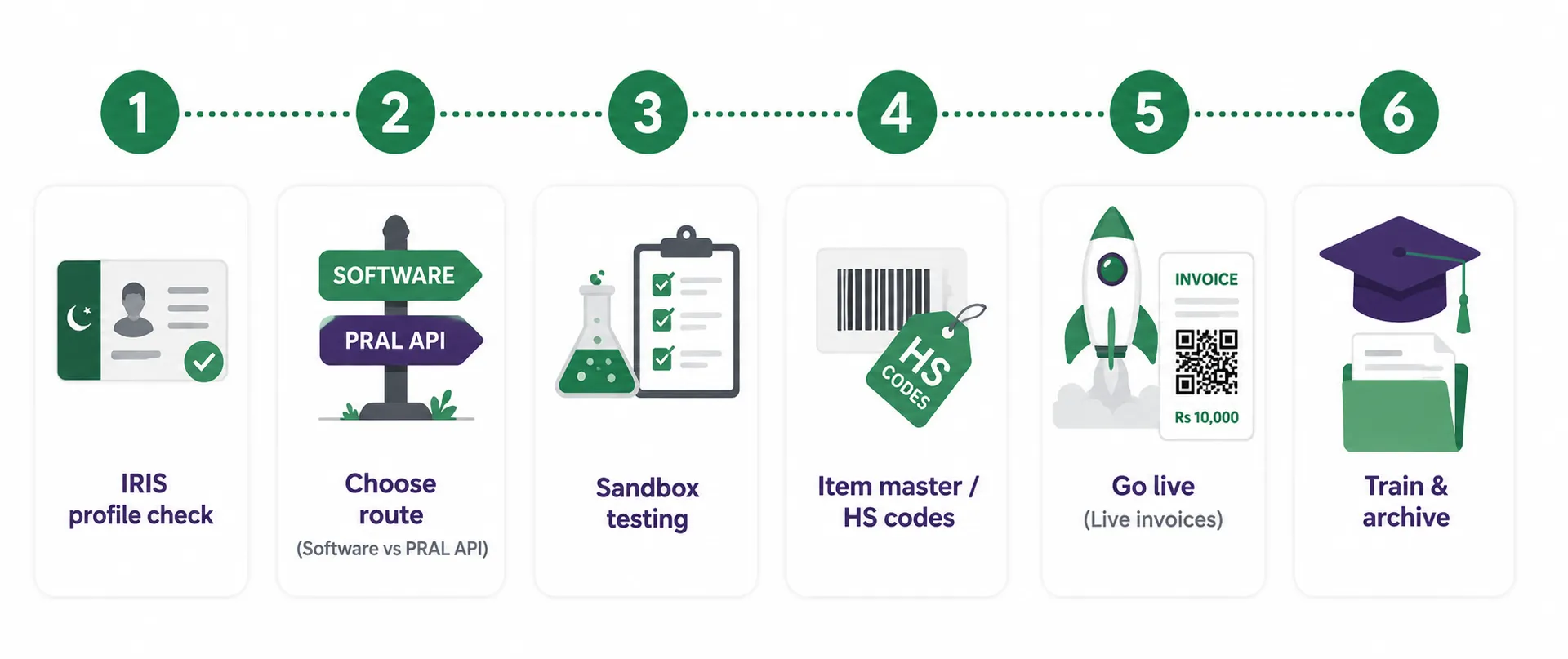
Before FBR lets your business issue live digital invoices, you have to prove your system can produce correct invoices in the sandbox. Those tests are organised into scenarios, numbered SN001 to SN028. Each one represents a type of sale: standard rate, reduced rate, exempt, 3rd Schedule, steel, petroleum, services and so on. This guide lists all 28 FBR digital invoicing scenarios exactly as FBR's specification describes them, shows which ones apply to your business, and explains how to get through sandbox testing without wasted weeks.
What are FBR digital invoicing scenarios?
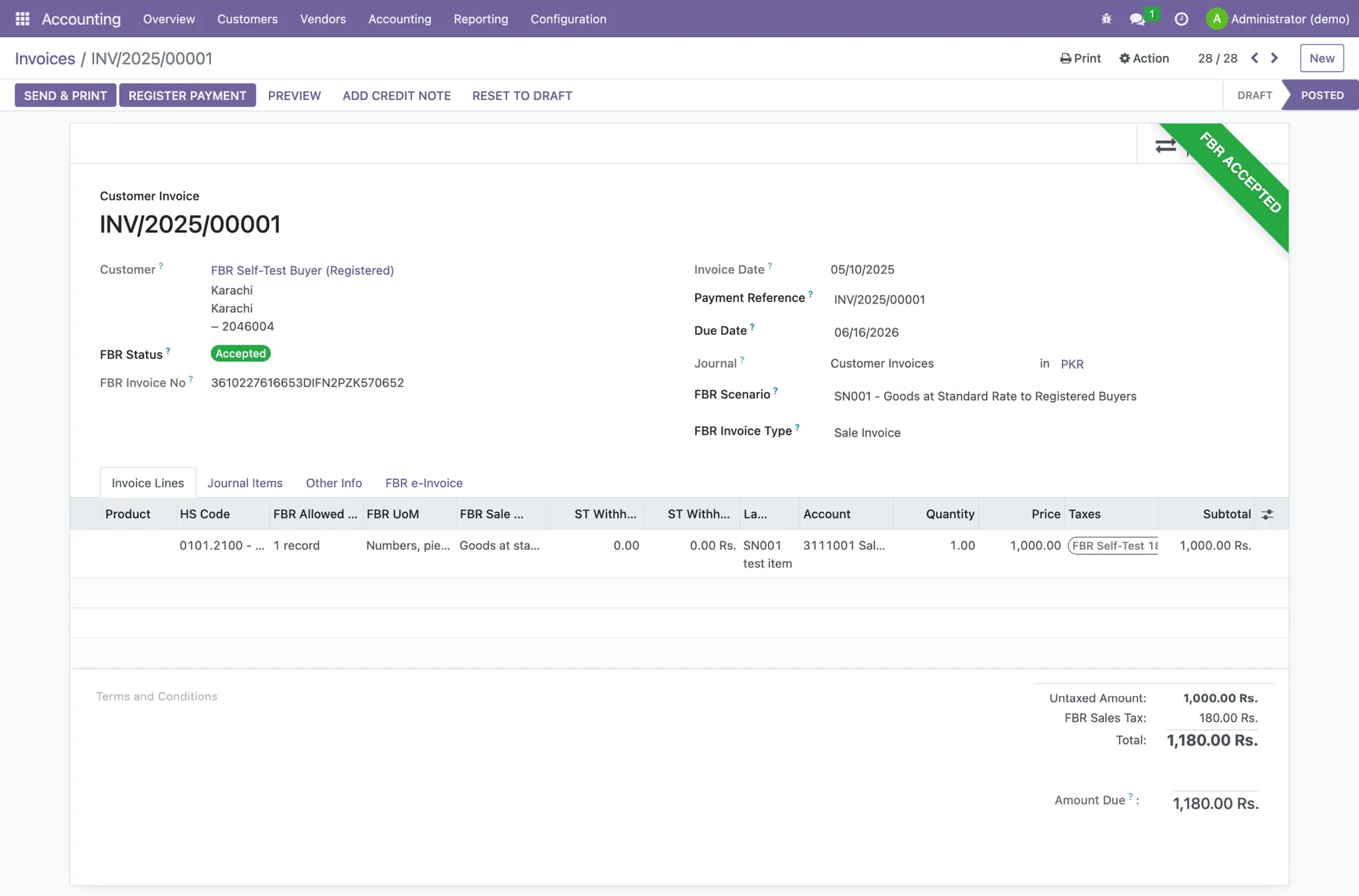
A scenario is a standard test case defined by FBR and PRAL in the Digital Invoicing API technical specification (version 1.12). Each scenario pairs a description of the sale with the sale type that must be used on the invoice. When your software sends a test invoice to the sandbox, it includes a field called scenarioId, for example "SN001", so FBR knows which case you are testing. The scenarioId is sent in sandbox only. Live invoices do not carry it.
Scenarios matter beyond testing. They mirror the real sale types your business will invoice under, so getting them right in sandbox means fewer rejected invoices later. For the bigger picture of how real-time invoicing works, start with our complete guide to FBR digital invoicing.
All 28 scenarios (SN001 to SN028)
The table below is taken from section 9 of FBR's DI API specification. The sale type column is the value the invoice must carry for that scenario (for SN009 it is the purchase type, because the cotton spinner is the buyer).
| Scenario | Description | Sale type |
|---|---|---|
| SN001 | Goods at standard rate to registered buyers | Goods at Standard Rate (default) |
| SN002 | Goods at standard rate to unregistered buyers | Goods at Standard Rate (default) |
| SN003 | Sale of Steel (Melted and Re-Rolled) | Steel Melting and re-rolling |
| SN004 | Sale by Ship Breakers | Ship breaking |
| SN005 | Reduced rate sale | Goods at Reduced Rate |
| SN006 | Exempt goods sale | Exempt Goods |
| SN007 | Zero rated sale | Goods at zero-rate |
| SN008 | Sale of 3rd schedule goods | 3rd Schedule Goods |
| SN009 | Cotton Spinners purchase from Cotton Ginners (Textile Sector) | Cotton Ginners |
| SN010 | Telecom services rendered or provided | Telecommunication services |
| SN011 | Toll Manufacturing sale by Steel sector | Toll Manufacturing |
| SN012 | Sale of Petroleum products | Petroleum Products |
| SN013 | Electricity Supply to Retailers | Electricity Supply to Retailers |
| SN014 | Sale of Gas to CNG stations | Gas to CNG stations |
| SN015 | Sale of mobile phones | Mobile Phones |
| SN016 | Processing / Conversion of Goods | Processing/ Conversion of Goods |
| SN017 | Sale of Goods where FED is charged in ST mode | Goods (FED in ST Mode) |
| SN018 | Services rendered or provided where FED is charged in ST mode | Services (FED in ST Mode) |
| SN019 | Services rendered or provided | Services |
| SN020 | Sale of Electric Vehicles | Electric Vehicle |
| SN021 | Sale of Cement /Concrete Block | Cement /Concrete Block |
| SN022 | Sale of Potassium Chlorate | Potassium Chlorate |
| SN023 | Sale of CNG | CNG Sales |
| SN024 | Goods sold that are listed in SRO 297(I)/2023 | Goods as per SRO.297(I)/2023 |
| SN025 | Drugs sold at fixed ST rate under serial 81 of Eighth Schedule Table 1 | Non-Adjustable Supplies |
| SN026 | Sale to End Consumer by retailers | Goods at Standard Rate (default) |
| SN027 | Sale to End Consumer by retailers | 3rd Schedule Goods |
| SN028 | Sale to End Consumer by retailers | Goods at Reduced Rate |
Retailer scenarios
SN026, SN027 and SN028 apply only if you are registered as a retailer in your sales tax profile. If you sell to end consumers but your profile says otherwise, fix the profile on IRIS before testing these scenarios.
Which scenarios apply to your business?
You do not test all 28. Section 10 of the specification maps scenarios to your business activity (manufacturer, importer, distributor, wholesaler, exporter, retailer, service provider or other) and your sector. That is why an accurate IRIS profile matters so much.
For most manufacturers, importers and exporters, the baseline set is SN001, SN002, SN005, SN006, SN007, SN015, SN016, SN017, SN021, SN022 and SN024. Sector-specific scenarios are then added on top. For importers and exporters the additions are:
| Sector | Scenarios added to the baseline |
|---|---|
| All other sectors | None (baseline only) |
| Steel | SN003, SN004, SN011 |
| FMCG | SN008 |
| Textile | SN009 |
| Telecom | SN010 |
| Petroleum | SN012 |
| Electricity distribution | SN013 |
| Gas distribution | SN014 |
| Services | SN018, SN019 |
| Automobile | SN020 |
| CNG stations | SN023 |
| Pharmaceuticals | SN025 |
| Wholesale / retails | SN026, SN027, SN028, SN008 |
Other activities follow different patterns. Distributors and wholesalers usually test SN026, SN027, SN028 and SN008 plus their sector scenario. Retailers in most sectors do the same, though retailers in steel test SN003, SN004 and SN011. Service providers test SN018 and SN019 plus their sector scenario. A few rows in the official table differ from the pattern (for example, steel manufacturers test only SN003, SN004 and SN011), so always check your exact business activity and sector against section 10 of the specification.
How FBR digital invoicing sandbox testing works
The sandbox is FBR's test environment. It uses the same addresses as production, and the security token issued by PRAL decides which environment a call reaches. Sandbox invoices go to the sandbox versions of the post and validate methods, which end in _sb:
- Post: https://gw.fbr.gov.pk/di_data/v1/di/postinvoicedata_sb
- Validate: https://gw.fbr.gov.pk/di_data/v1/di/validateinvoicedata_sb
FBR requires the scenarios that apply to you to pass before you get production access. For each one, your system sends a complete invoice with the right scenarioId, sale type, rate, HS code and UOM. A valid response comes back with status code 00 and an FBR invoice number. An invalid one comes back with status code 01 and an error code that tells you what to fix.
A practical sandbox checklist
- 1Confirm your registered business activity and sector, then list the scenarios section 10 assigns to you.
- 2Set up at least one test item per scenario with the correct HS code, a UOM that is valid for that HS code, and the matching sale type.
- 3Take rates from the SaleTypeToRate reference API, and SRO schedule and item numbers from the SroSchedule and SROItem reference APIs, instead of typing them.
- 4Use a correctly formatted invoice number (alphanumeric with an internal hyphen, such as Inv-001) and dates in YYYY-MM-DD format.
- 5Test with both registered and unregistered buyers where your scenarios require it (SN001 and SN002).
- 6Keep a log of each scenario's response so you know exactly which ones still fail.
Sandbox errors you are likely to see
These sales error codes from section 7 of the specification come up most often during scenario testing:
- 0013: the sale type is empty.
- 0046: the rate is not valid for the sale type.
- 0052: the HS code does not match the sale type.
- 0077: the SRO or schedule number is missing.
- 0099: the UOM is not valid for the HS code. Check the HS_UOM reference API.
- 0102: the 3rd Schedule tax calculation does not match.
- 0104: the calculated percentage sales tax does not match.
Most of these trace back to item data rather than code. If you are wiring up your own system, our guide to FBR digital invoicing integration covers the API routes and the reference data you need.
Handling scenarios after you go live
Once you are live, the scenarioId is no longer sent, but the sale type behind each scenario still decides how every line is taxed. Items that share an HS code but have different tax treatment must be invoiced as separate lines. Corrections are only allowed within 72 hours under STGO 01 of 2026, and after that changes need approval from the Commissioner Inland Revenue. That is why choosing the right sale type at the point of invoicing matters far more than it used to.
How TaxHub handles all 28 scenarios
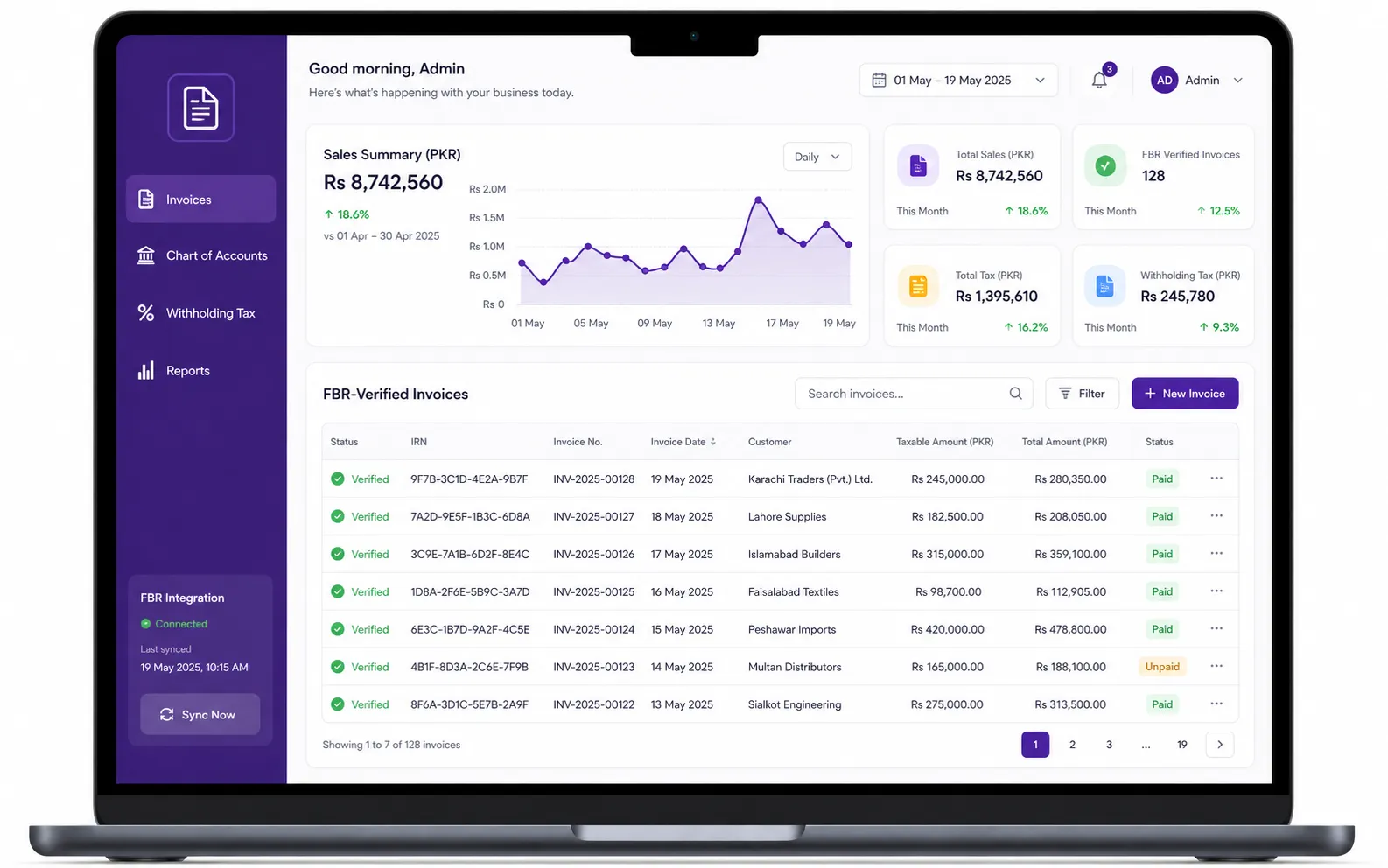
TaxHub's FBR digital invoicing software supports all 28 scenarios and includes sandbox testing, so you can prove compliance before going live. Its HS-code-aware item master keeps each product's HS code and tax treatment in one place, buyer STRN/CNIC and ATL checks catch registration problems before submission, and credit and debit notes stay linked to the original invoice.
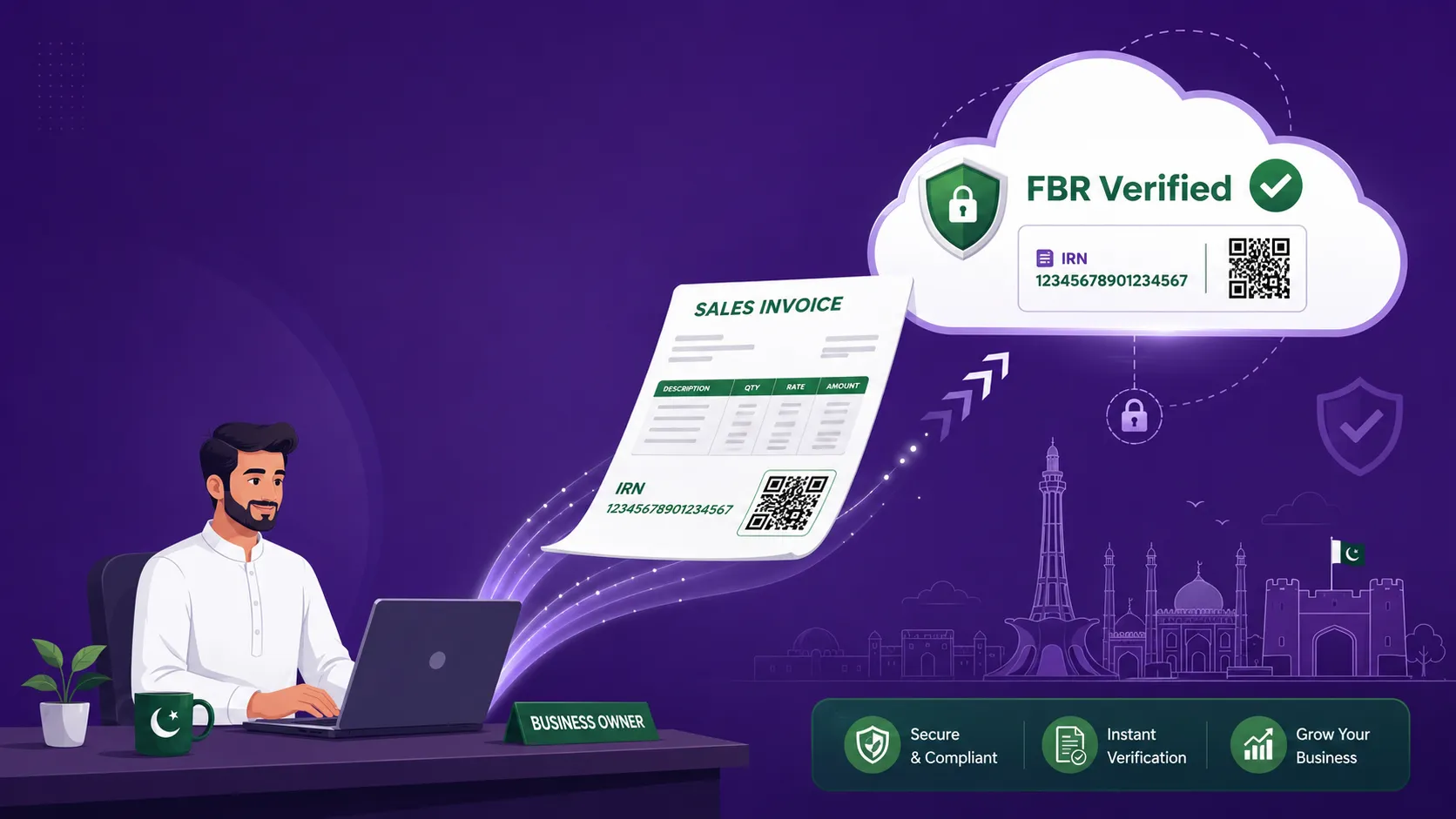
Once live, every invoice goes to FBR in real time through PRAL/IRIS with the IRN and QR code added automatically, and it posts straight into full double-entry accounting, inventory and Annexure J and H registers. Setup takes under 10 minutes. See how TaxHub's FBR digital invoicing works, or let our Lahore-based team handle registration and filing for you.
Stuck in sandbox?
Get your scenarios passing and go live. See pricing (PKR 1,500 a month or PKR 15,000 a year) or book a free consultation.
FAQs
How many FBR digital invoicing scenarios are there?
There are 28 scenarios, SN001 to SN028, listed in section 9 of FBR's DI API technical specification. Each one pairs a type of sale with the sale type the invoice must use.
Do I need to test all 28 scenarios in the FBR sandbox?
No. Section 10 of the specification lists the scenarios that apply to each business activity and sector. For most manufacturers, importers and exporters the baseline is SN001, SN002, SN005, SN006, SN007, SN015, SN016, SN017, SN021, SN022 and SN024, plus sector-specific scenarios.
What is scenarioId in FBR digital invoicing?
scenarioId is a field in the invoice data, such as "SN001", that tells FBR which test case you are running. It is required in sandbox only and is not sent with live invoices.
What is the FBR digital invoicing sandbox URL?
Sandbox invoices are posted to https://gw.fbr.gov.pk/di_data/v1/di/postinvoicedata_sb and validated at https://gw.fbr.gov.pk/di_data/v1/di/validateinvoicedata_sb. Your PRAL security token decides whether a call is treated as sandbox or production.
Who can use scenarios SN026, SN027 and SN028?
These cover sales to end consumers by retailers at the standard rate, for 3rd Schedule goods and at a reduced rate. They apply only if you are registered as a retailer in your sales tax profile.
Try TaxHub free: get FBR compliant in 10 minutes
Real-time FBR digital invoicing, complete accounting, and a dashboard that's entirely yours. No credit card required.
Book Free Consultation