FBR Digital Invoicing HS Code and UOM: How to Get Every Line Right
Ask anyone who has gone live on FBR digital invoicing what slowed them down, and you will hear the same answer: HS codes and units of measure. Every line on every invoice must carry an HS code and a UOM that FBR accepts together. Get the pair wrong and the invoice is rejected on the spot.
This guide explains, in plain English, what the HS code and UOM fields are, which FBR reference APIs tell you the right values, how they connect to sale type and rate, and how to set up your item master once so you stop fixing the same invoice twice.
What the HS code and UOM fields are
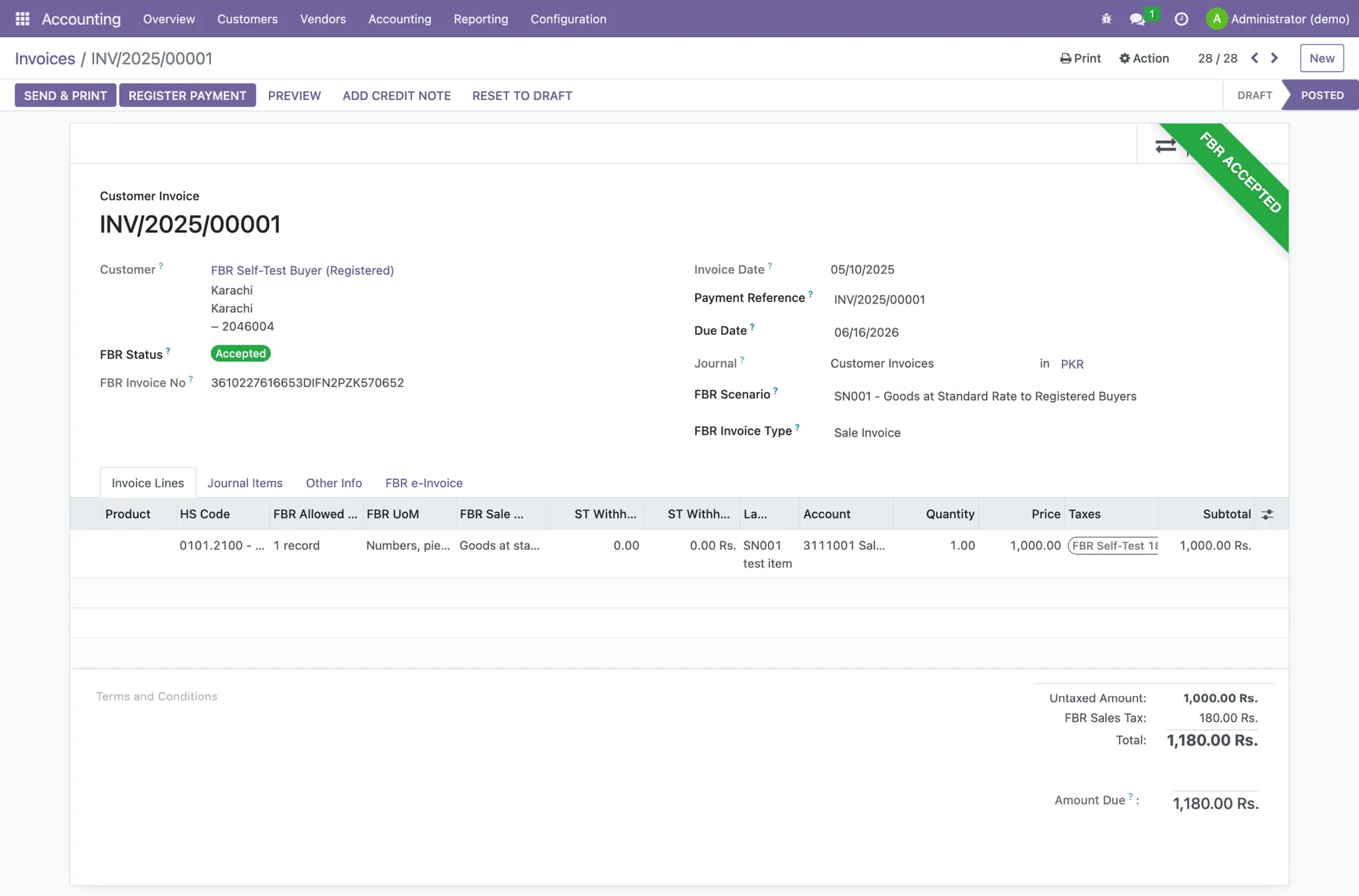
The FBR/PRAL Digital Invoicing API (Technical Specification v1.12) requires these fields on every invoice item:
- hsCode: the Harmonized System code of the product, in the format "0101.2100" (four digits, a dot, four digits).
- productDescription: details of the product or service sold.
- uoM: the unit of measurement, taken from FBR's UOM reference list, for example "Numbers, pieces, units" or "KG".
- quantity: the quantity sold, in that unit.
- saleType: the type of sale, for example "Goods at standard rate (default)".
- rate: the tax rate, taken from FBR's rate reference list.
The HS code tells FBR what you are selling. The UOM tells FBR how you are counting it. FBR checks that the two belong together, and that the HS code fits the sale type and rate you chose.
The reference APIs that give you the right values
FBR does not expect you to guess. PRAL publishes reference APIs under gw.fbr.gov.pk/pdi that return the official lists. The ones that matter for HS codes and units are:
| Reference API | What it returns | Why it matters |
|---|---|---|
| itemdesccode | The list of HS codes with their official descriptions | Lets you search for the right HS code for each product |
| uom | The list of units of measure, each with an ID and a description (for example 13 = KG, 77 = Square Metre) | Gives you the exact UOM wording FBR expects |
| HS_UOM | The units of measure allowed for a given HS code, queried with hs_code and annexure_id | Tells you which UOM is valid for that specific HS code |
| SaleTypeToRate | The valid tax rates for a transaction type, date and province | Confirms the rate you use is allowed for the sale type |
| SroSchedule and SROItem | SRO/schedule numbers and their item serial numbers | Needed for reduced-rate, exempt and other SRO-based supplies |
The HS_UOM call is the key one. You pass an HS code and a sales annexure ID, and FBR returns the unit or units it will accept. In the specification's own example, HS code 5904.9000 returns "Square Meter". If you invoice that item in pieces or KG, it will fail.
These APIs need your token
Reference APIs sit on the same PRAL platform as the invoicing API, so calls carry the same security token. A 401 response means the token is missing or invalid, not that the HS code is wrong.
The errors you get when HS code or UOM is wrong
Section 7 of the technical specification lists the sales error codes. These are the ones tied directly to HS code and UOM. For every other code, see our full FBR digital invoicing error codes guide.
- 0019 and 0044: HS code is empty. The line has no HS code at all.
- 0052: HS code does not match the sale type. The HS code and the sale type you picked do not belong together.
- 0099: UOM is not valid. The UOM must be according to the given HS code.
- 0096: for the HS code provided, only KWH is allowed as the UOM.
- 0097: the UOM must be KG.
- 0046: the rate is empty or not valid for the selected sale type.
How to pick the right HS code
- 1Start from what you already declare. If you import, your goods declaration already carries an HS code. If you manufacture, your supplier invoices and past sales tax records are a good starting point.
- 2Confirm it against FBR's list. Check that the code exists in the itemdesccode reference list and that the description matches your product.
- 3Check the tax treatment. The HS code must fit the sale type. A product under the 3rd schedule, an exempt item and a standard-rate item may need different sale types even if they look similar.
- 4Split lines when tax treatment differs. FBR's guidance is that items sharing an HS code but with different tax treatment (for example standard-rate and 3rd schedule goods under HS 2007.9900) must be invoiced as separate line items. Different SKUs under one HS code are fine if each has a unique description.
- 5Write it down once. Save the HS code on the product in your item master, not on each invoice.
How to pick the right UOM
- 1Look up the HS code in HS_UOM. Note every unit FBR returns.
- 2Match the UOM to how you actually count the item. If FBR accepts only KG, you must invoice in KG, even if your shop sells by the bag. Convert the quantity, for example 20 bags of 50 kg become 1,000 KG.
- 3Use FBR's exact wording. The uoM field should match the description in FBR's UOM list, such as "Numbers, pieces, units", rather than your own abbreviation.
- 4Keep quantity decimals clean. Quantity is a decimal field. Text, commas or stray symbols can trigger error 0300 (invalid decimal value).
- 5Save the UOM on the item. Like the HS code, the UOM belongs in the item master so every invoice inherits it.
Why this matters more in 2026
Under STGO 01 of 2026, an accepted invoice can only be corrected within 72 hours. After that, changes need approval from the Commissioner Inland Revenue. A wrong HS code that slips through is much harder to fix later than a rejected invoice is today.
Test your item master in the sandbox first
Before production, FBR requires you to pass your applicable scenarios in the sandbox. That is the perfect time to catch HS code and UOM problems. Run a test invoice for every product family you sell, especially anything under reduced rate, 3rd schedule or a specific SRO. Our guide to FBR digital invoicing scenarios and sandbox testing explains which of SN001 to SN028 apply to your sector. For the bigger picture, start with the complete FBR digital invoicing guide.
A practical item master template
For each product or service you sell, your item master should hold at least these fields. Once they are right, every invoice line is right.
| Field | Example | Source |
|---|---|---|
| Product description | A clear, unique name for each SKU | Your own catalogue |
| HS code | 5904.9000 (the specification's own example) | itemdesccode reference API |
| UOM | Square Meter | HS_UOM reference API |
| Sale type | Goods at standard rate (default) | Your tax treatment for the item |
| Rate | The rate allowed for that sale type | SaleTypeToRate reference API |
| SRO/Schedule No. and item serial | Only if the supply falls under an SRO or schedule | SroSchedule and SROItem reference APIs |
How TaxHub handles HS codes and UOM
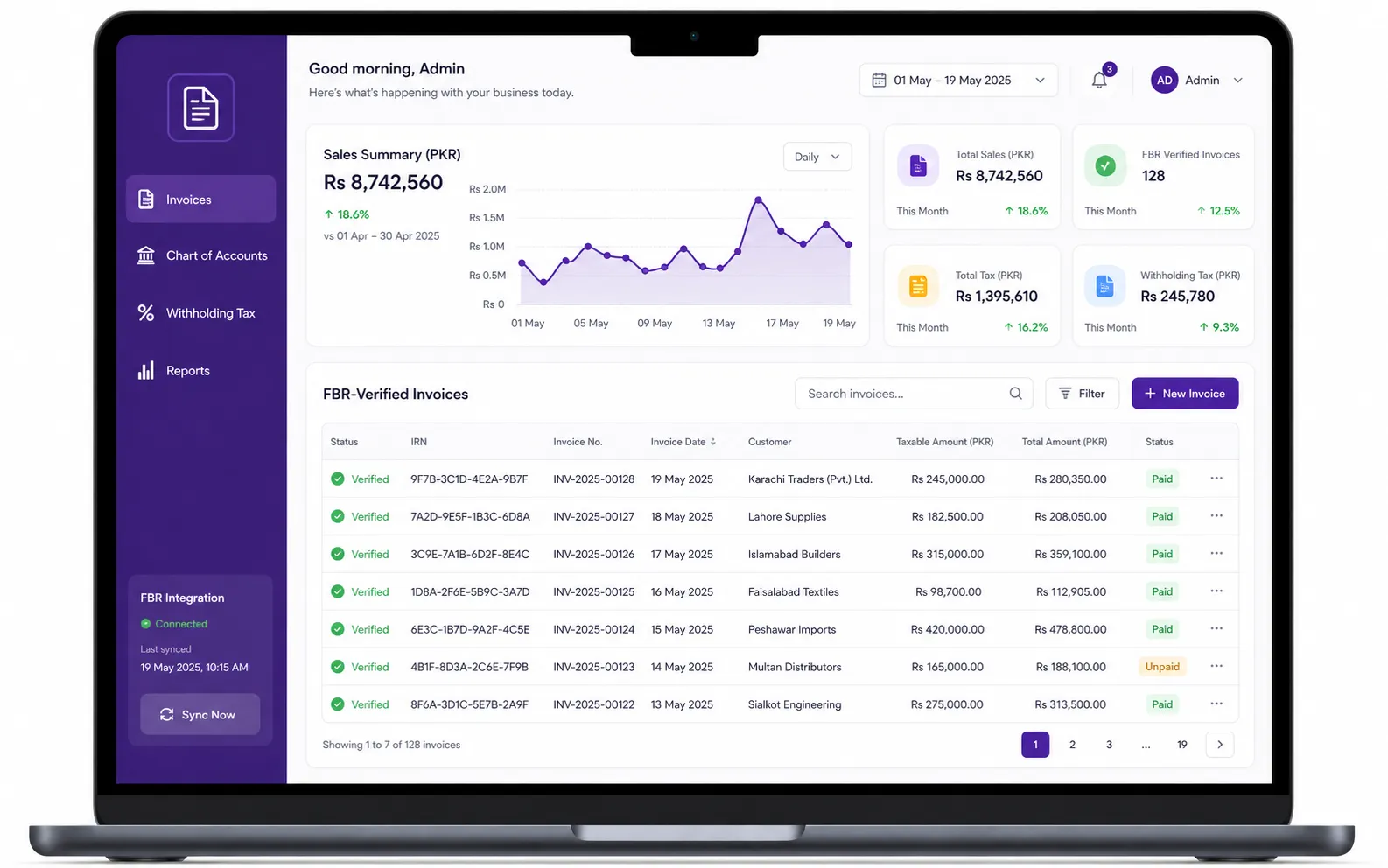
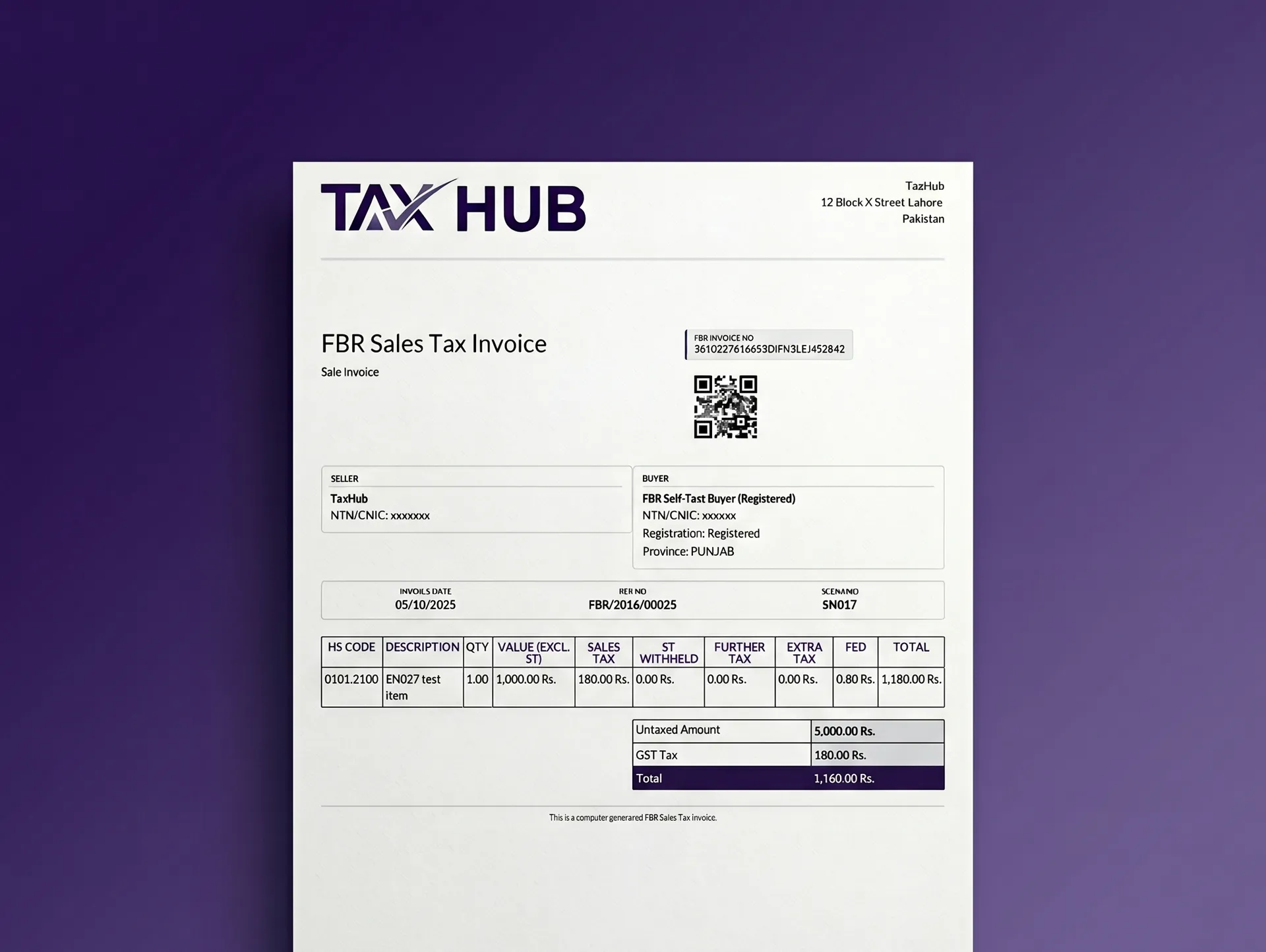
TaxHub was built around this exact problem. Our FBR digital invoicing software uses an HS-code-aware item master, so the HS code, unit and tax details live on the product rather than being retyped on every invoice. Invoices go to PRAL/IRIS in real time with the FBR invoice number and QR code generated automatically, across all 28 scenarios, with sandbox testing before you go live.
Because TaxHub also runs your inventory, sales, purchasing and double-entry accounting, the same item data flows into your stock, your Annexure J and H registers, and your reports, which you can export to Excel or PDF. Learn more about TaxHub's FBR digital invoicing system.
Want help cleaning up your item master?
Plans start at PKR 1,500 a month, or PKR 15,000 a year. See pricing or book a free consultation and we will walk through your products with you.
FAQs
Is HS code mandatory in FBR digital invoicing?
Yes. hsCode is a required field on every invoice item. An empty HS code is rejected with error 0019 or 0044, and an HS code that does not fit the sale type is rejected with error 0052.
How do I find the correct UOM for an HS code?
Use FBR's HS_UOM reference API. You pass the HS code and a sales annexure ID, and it returns the unit or units FBR accepts for that code. Store that UOM on the item so every invoice uses it.
What is error 0099 in FBR digital invoicing?
Error 0099 means the UOM is not valid for the HS code on that line. Check the HS_UOM reference API, change the unit to an allowed one, and convert the quantity if needed.
Can two products use the same HS code?
Yes, different SKUs can share an HS code as long as each has a unique description. But if they share an HS code and have different tax treatment, such as standard rate and 3rd schedule, they must be invoiced as separate line items.
Where do I get the list of HS codes and units for FBR invoicing?
From PRAL's reference APIs: itemdesccode returns HS codes with descriptions, uom returns the list of units of measure, and HS_UOM returns the units allowed for a specific HS code. Software connected to FBR uses these lists so you do not have to look them up by hand.
Try TaxHub free: get FBR compliant in 10 minutes
Real-time FBR digital invoicing, complete accounting, and a dashboard that's entirely yours. No credit card required.
Book Free Consultation