Best FBR Digital Invoicing Software in Pakistan (2026): How to Choose
Choosing the best FBR digital invoicing software is one of the highest-leverage decisions a registered business in Pakistan will make this year. Get it right and FBR compliance becomes a background task you never think about. Get it wrong and every sale turns into a manual chore, every month-end into a reconciliation headache, and every audit into a scramble. This guide breaks down what FBR digital invoicing software actually does, the features that separate the best platforms from the rest, and the exact questions to ask before you commit.
What does FBR digital invoicing software do?
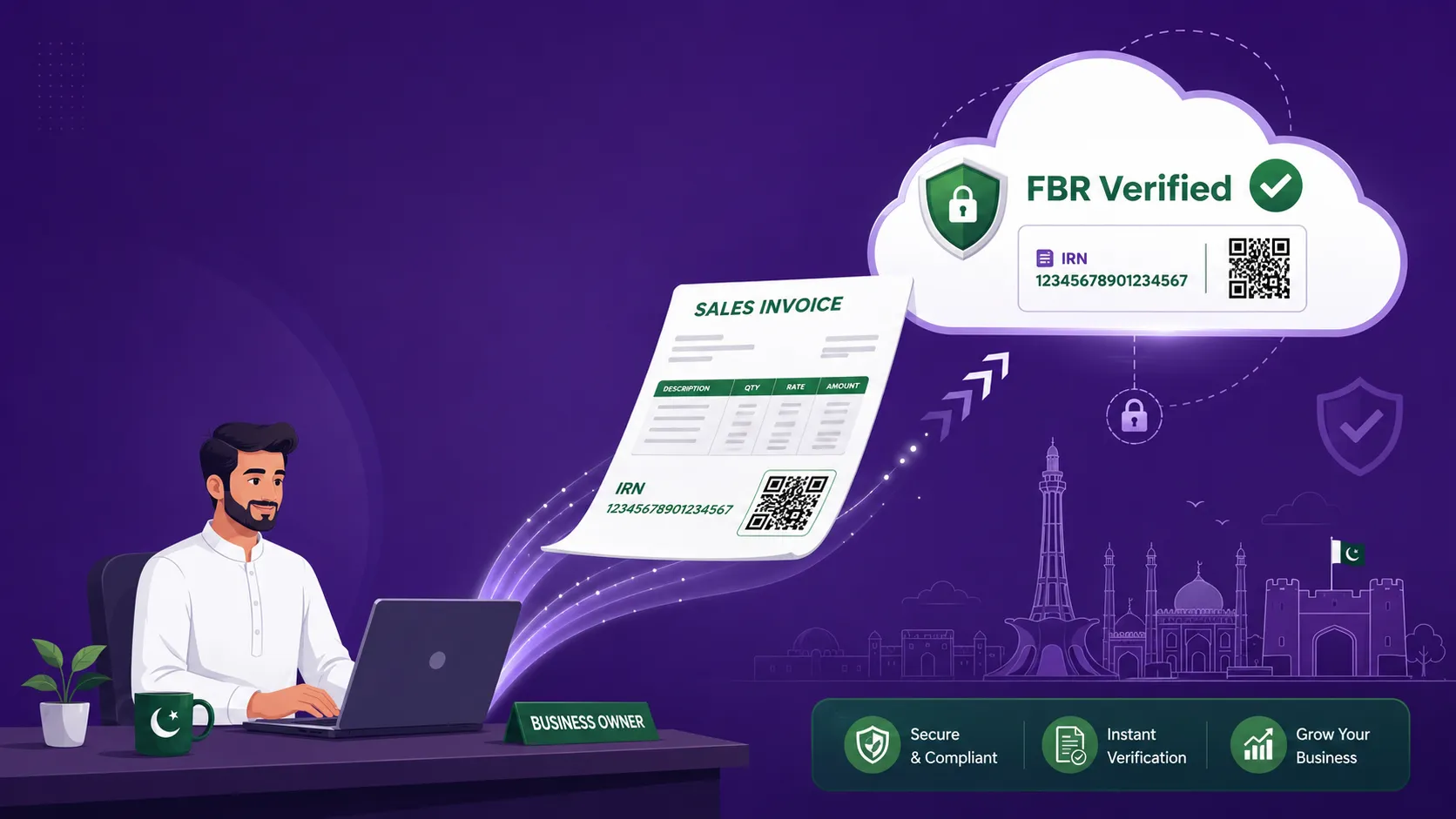
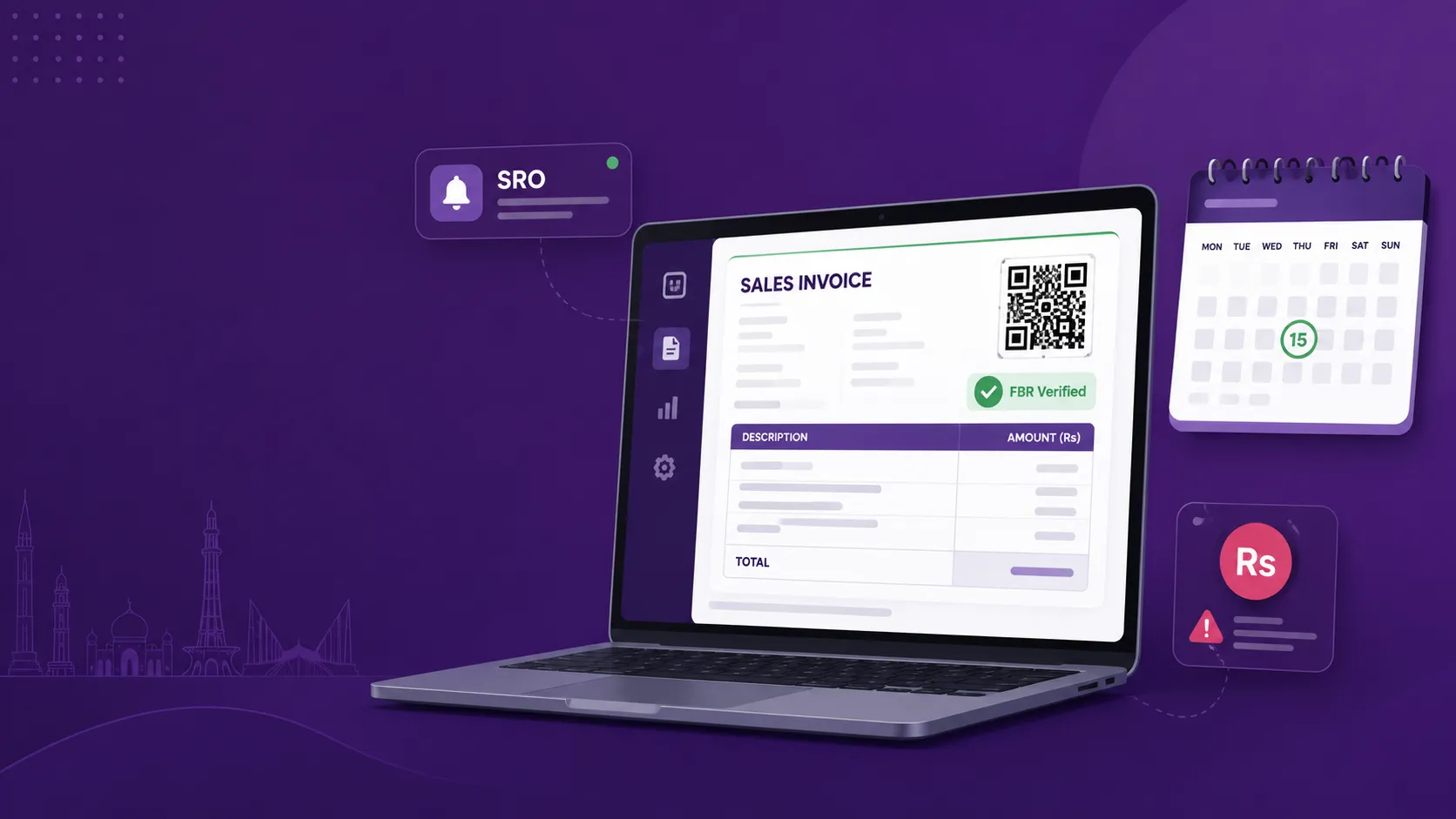
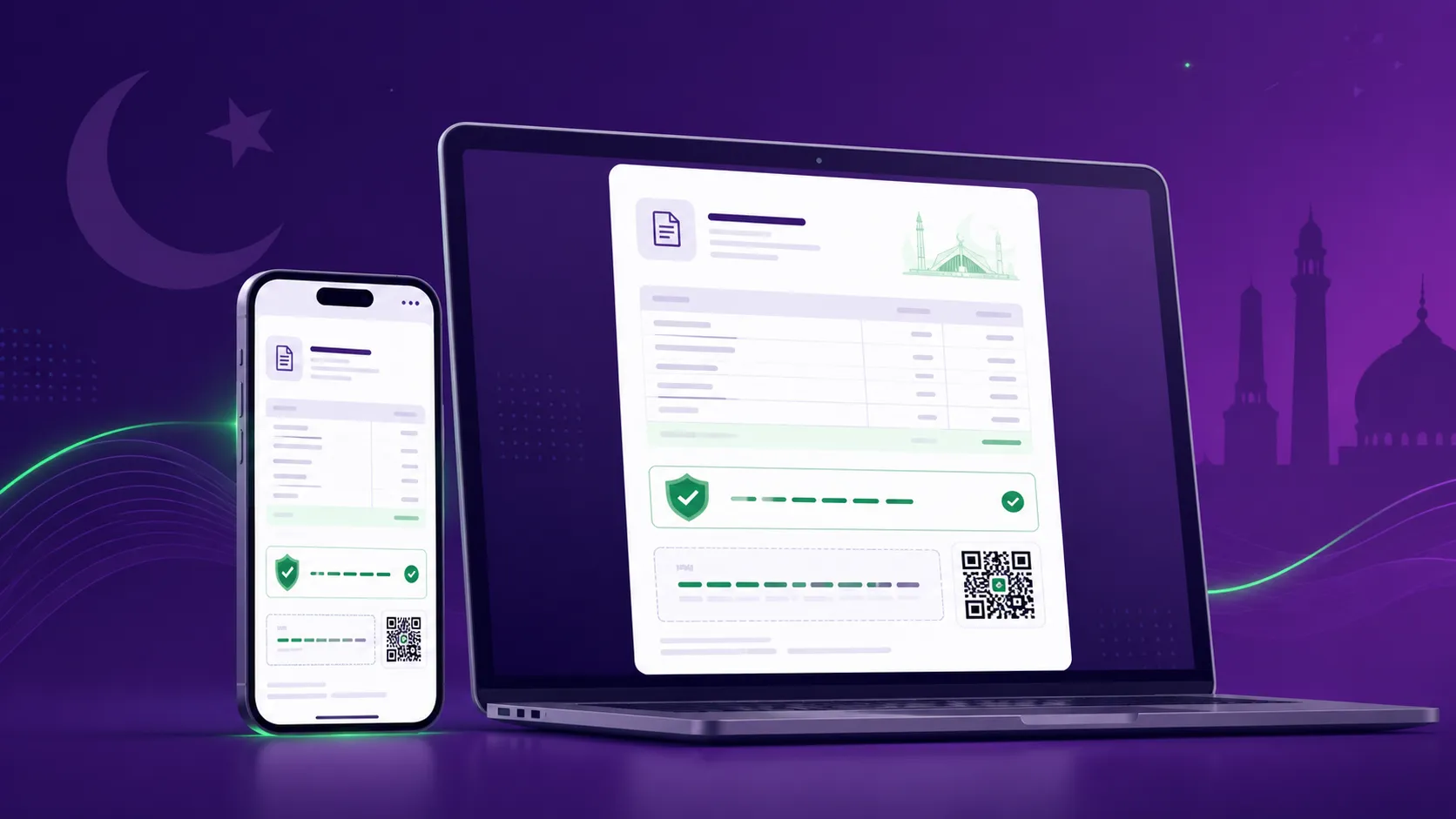
FBR digital invoicing software is the layer that sits between your sales process and the Federal Board of Revenue. Each time you raise a sales invoice, the software validates it, submits it to FBR in real time through the PRAL integration, and returns an FBR-verified document complete with an Invoice Reference Number (IRN) and a QR code. Instead of re-typing every sale into the IRIS portal by hand, your team issues invoices the way they always have and the compliance happens automatically in the background.
If you are still unclear on the underlying rules, start with our complete FBR digital invoicing guide for the full picture of SRO 709(I)/2025, the 28 invoice scenarios, and how the IRIS and PRAL systems fit together. This article assumes that background and focuses on a single question: how do you pick the right tool?
Why choosing the right FBR e-invoicing software matters
Not all FBR e-invoicing software is built the same, and the gap shows up exactly when it hurts most. A weak tool might drop invoices when FBR's servers are busy, pick the wrong scenario code, or leave you re-keying data into your accounts. A strong one quietly absorbs all of that. Because rejected or non-compliant invoices can trigger penalties, input-tax disallowance for your buyers, and even suspension of your Sales Tax Registration Number (STRN), the software you choose is a compliance control, not just a convenience.
Software is cheaper than a penalty
For most businesses, a monthly subscription to a reliable FBR digital invoicing system costs a fraction of a single penalty for invoices issued outside the FBR network. Treat the buying decision as risk management first and a feature comparison second.
8 features the best FBR digital invoicing software must have
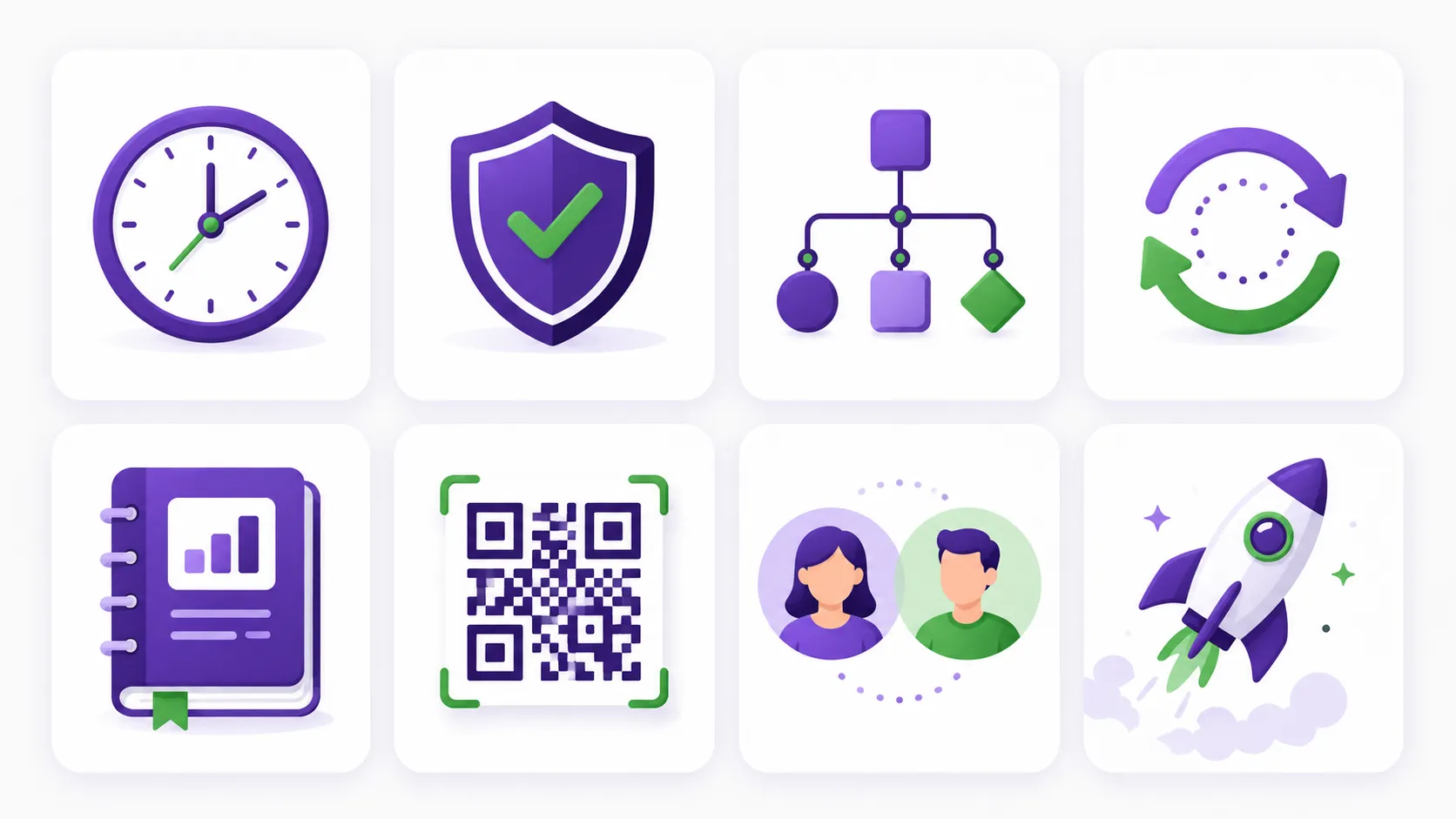
When you strip away the marketing, the best FBR digital invoicing software in Pakistan tends to share the same core capabilities. Use this as your checklist:
- Real-time PRAL submission, so every invoice is validated and stamped with an IRN and QR code the moment it is issued
- Automatic selection across all 28 FBR scenarios (SN001 to SN028), from Standard Rate to Zero-Rated, Exempt, 3rd Schedule, and Steel
- Built-in handling for filer vs non-filer status and the correct sales tax treatment for each line
- A graceful offline or retry mode that queues invoices and submits them automatically when FBR's systems recover
- Clean integration with your accounting, so each invoice posts the right journal entries instead of being re-keyed
- Buyer-verifiable invoices, with the QR code and IRN your customers can check directly against FBR records
- Multi-user roles and a full audit trail, so you can always see who issued or amended what
- Fast onboarding, ideally live in minutes using your existing NTN and IRIS credentials, not weeks of consultant time
FBR digital invoicing system vs manual IRIS entry
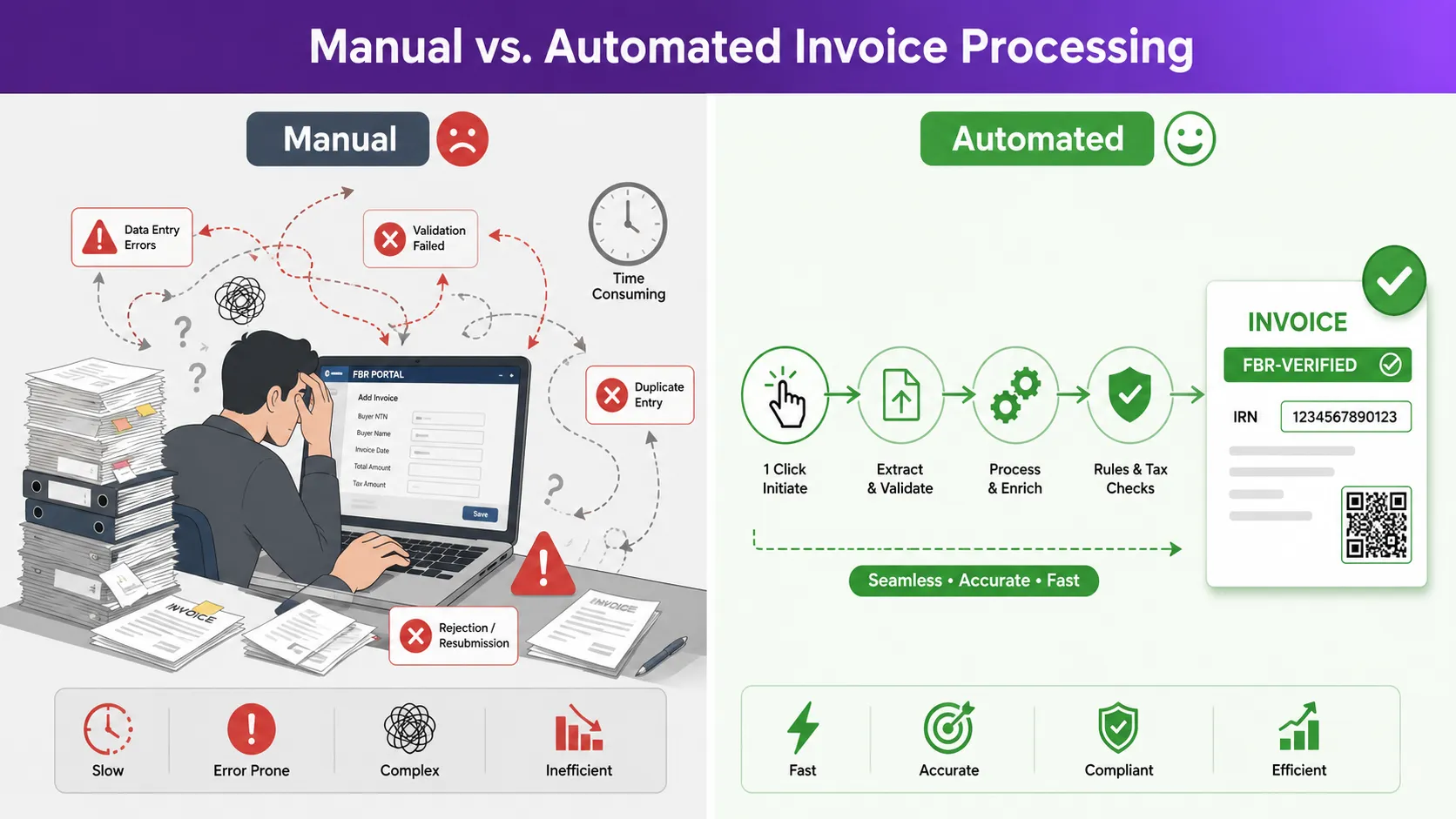
You can technically meet your obligations by entering invoices into the IRIS portal by hand, but it rarely scales. Manual entry is slow, error-prone, and almost impossible to audit cleanly once volume grows. A dedicated FBR digital invoicing system removes the typing, validates data before it ever reaches FBR, and keeps a complete record automatically. The difference is starkest at month-end: with software your sales register is already reconciled with FBR; with manual entry you are checking it line by line.
Watch the hidden cost of "free"
A spreadsheet plus manual portal entry has no licence fee, but it carries a real cost in staff hours, keying errors, and audit risk. The best FBR digital invoicing software usually pays for itself in the time it saves during a single busy week.
Questions to ask before you buy
Vendor demos all look smooth. These six questions separate genuine FBR invoicing software from a thin wrapper around the portal:
- 1Does it submit to FBR in real time through PRAL, or only export a file you upload later?
- 2How does it behave when FBR's servers are down: does it lose invoices, or queue and retry automatically?
- 3Are all 28 scenarios supported, and does the software choose the correct one for you?
- 4Does it connect to a full set of books, or is it invoicing in isolation?
- 5How long does onboarding really take, and is support based in Pakistan?
- 6If you ever leave, can you export all of your data cleanly?
Look beyond invoicing: accounting software for Pakistan that does it all
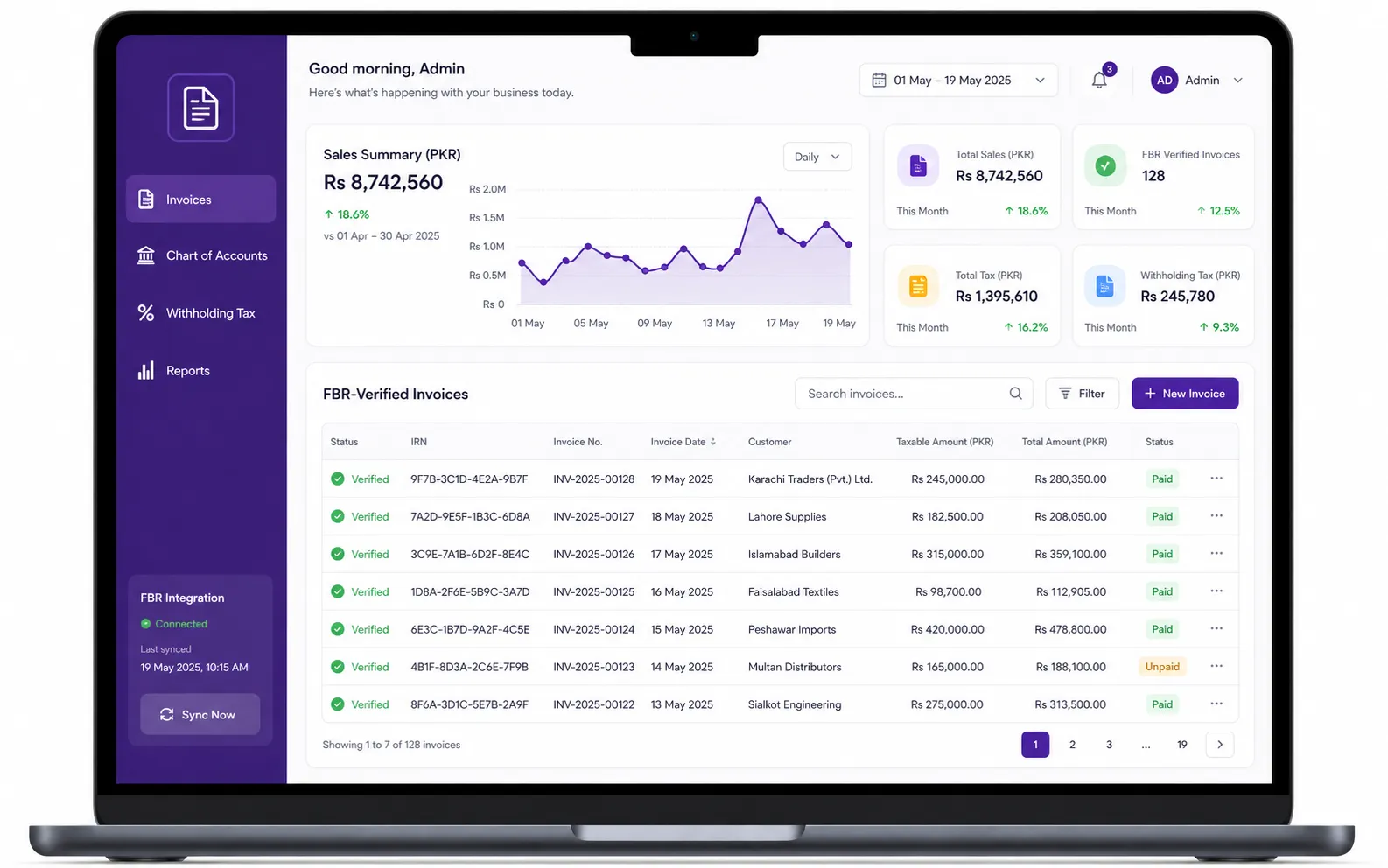
The smartest buyers do not shop for invoicing in isolation. An invoice is really the start of an accounting entry, so the best value comes from accounting software for Pakistan that handles FBR digital invoicing, your chart of accounts, withholding tax, and financial reports in one place. When every FBR-verified invoice automatically updates your books, your monthly sales tax return and annual filing stop being projects and become reports you generate on demand. Buy a standalone FBR POS software or invoicing-only tool and you will still be stitching the accounting together by hand later.
That is exactly the gap TaxHub is built to close. It pairs real-time FBR digital invoicing software across all 28 scenarios with a Pakistan-ready chart of accounts, withholding tax tracking, and reports, so compliance and bookkeeping move together. To understand why real-time submission is now the baseline rather than a nice-to-have, read our breakdown of every FBR digital invoicing SRO, deadline, and penalty.
Making the final call
The best FBR digital invoicing software is the one that makes compliance invisible: invoices go out FBR-verified, your books stay current, and you never have to think about scenario codes or portal downtime. Score every option against the checklist above, ask the hard questions, and favour a platform that grows with your business rather than one more thing to bolt on later.
See it before you decide
Want to watch real-time FBR digital invoicing and built-in accounting working together? Book free consultation and we will get you live with your NTN in minutes.
Try TaxHub free: get FBR compliant in 10 minutes
Real-time FBR digital invoicing, complete accounting, and a dashboard that's entirely yours. No credit card required.
Book Free Consultation